What Is GEO? How It Differs from SEO and How to Do It

GEO (generative engine optimization) is the practice of organizing website content so that generative AI can more easily understand, select, and cite it. SEO (search engine optimization) primarily helps web pages get found in search results; GEO focuses more on whether content can become information that AI uses when answering questions. The two overlap, and neither can guarantee visibility. This article will guide you through choosing customer questions, rewriting pages, and checking results.
How Does GEO Differ from SEO?
Imagine a customer asking, “Who should I contact about a leaking bathroom in an old house in Tainan?” A search engine might list businesses and how-to pages; generative AI might compile assessment methods, precautions, and business information, providing sources depending on how the service is designed.
This adds another layer to your task: besides helping customers find your website, you also need to make the information on its pages easy to identify and verify.
| Comparison | SEO | GEO |
|---|---|---|
| Main goal | Increase search visibility and meaningful clicks | Increase the chances of content being understood, selected, or cited by AI |
| Content focus | Meet search needs and provide a clear page structure | Answer questions explicitly and explain conditions, supporting evidence, and sources |
| What to monitor | Search impressions, clicks, and inquiries | Mentions or citations, referral traffic, and inquiries |
These are not two completely separate undertakings. Accessible text, clear service information, and well-supported content help both. AI may also answer questions directly without generating clicks, so being cited does not mean gaining customers.
How Can Small Businesses Get Started with GEO?
Start by trying it on one core service and one page. You do not need to rebuild your entire website right away.
Identify questions customers actually ask. Gather five common questions from LINE conversations, customer service records, or in-person inquiries, such as how pricing works, which areas you serve, and how long the work takes. Once you have done this, confirm that each question corresponds to an actual service, and prioritize questions that affect bookings or purchases.
Answer directly at the beginning of the relevant page. Open your website’s admin panel and edit the service page. Start with two or three sentences explaining “what you offer, whom you serve, and what conditions apply,” then add the process and details. Once you have done this, open the page on your phone and confirm that you can find the core answer without scrolling far.
Make the criteria specific. Add pricing methods, applicable situations, service coverage, and limitations to the same page; if you cannot provide a fixed quote, explain the factors that affect pricing. Once you have done this, ask someone unfamiliar with the business to read it and see whether they can tell if the service suits them and how to make an inquiry next.
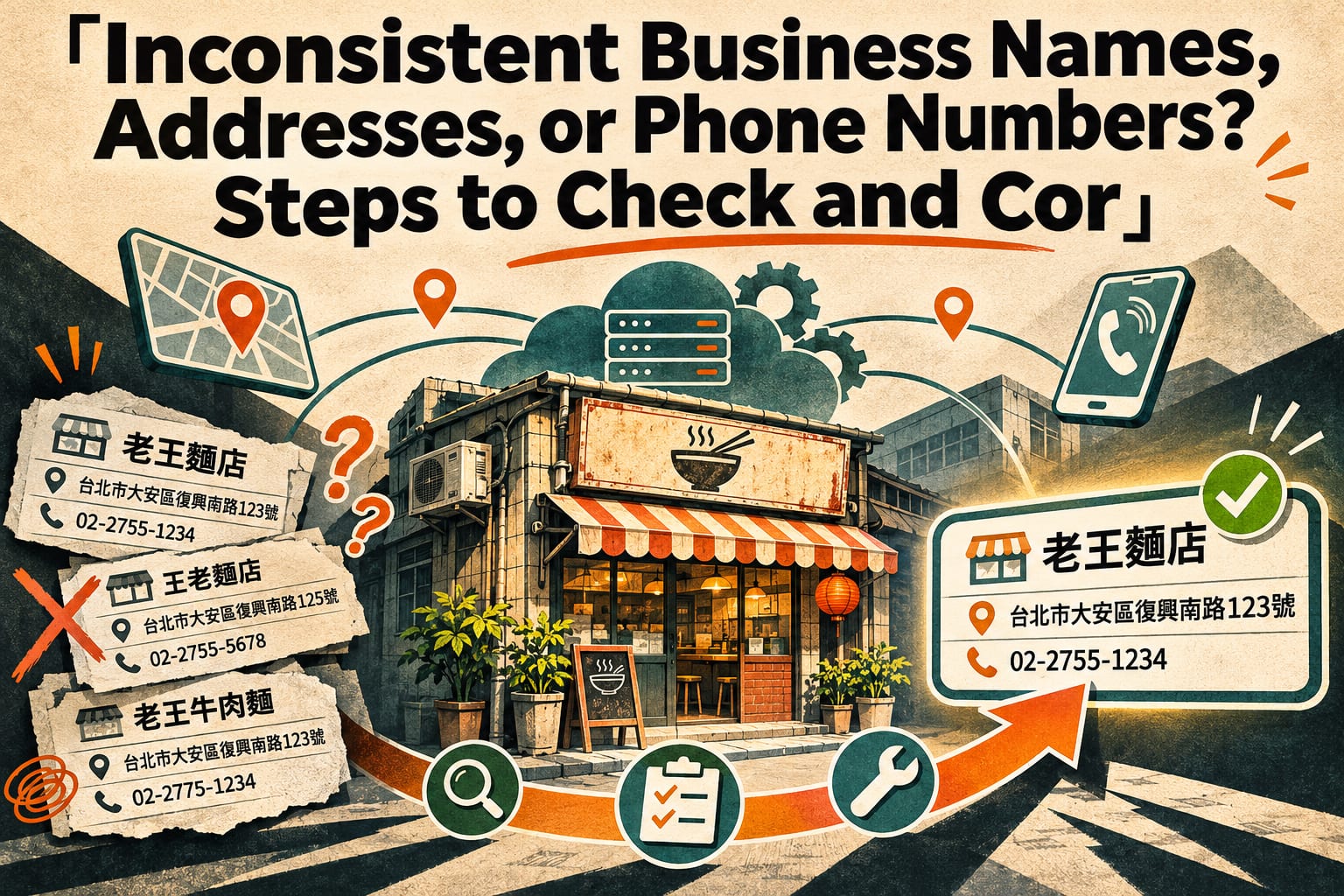
Add verifiable identity and experience information. Include your real name, contact details, relevant qualifications, and practical experience on your About Us page, author profile, or service page. If you have case studies, explain the circumstances and limitations, and obtain any necessary permissions. Once you have done this, check that the name, address, and phone number are consistent across your website, business listings, and social media.
Check whether the content can be read directly. Open the page in a browser where you are not logged in, and confirm that important answers are not available only in images, members-only areas, or behind broken links; then try selecting and copying the text. If you have someone who maintains your website, ask them to help check whether search crawlers or other relevant crawlers are being blocked by mistake; follow the latest official guidance for each platform’s settings.
Record the results, then decide what to change. Use a spreadsheet to record the date of each change, the page, and the target questions, and monitor these alongside website analytics and the sources of customer inquiries. You can also periodically check AI answers using the same questions, recording the date, platform, and cited pages. Afterward, compare results across multiple checks, and do not treat a single appearance or disappearance as success or failure.
How Can You Rewrite a Service Description?
The following is a fictional writing example. Replace the fields with your own real information.
Before: “Professional cleaning, quality first—service that gives you complete peace of mind!”
This sentence expresses an attitude, but it does not answer what customers most need to know. You could change it on the service page to:
Home air conditioner cleaning: Service area covers [actual administrative districts].
We clean [actual air conditioner types serviced]. When booking, please provide the brand, model, and photos of the installation location.
Pricing is confirmed based on [actual pricing factors]. The quote will list included items and the conditions for additional charges.
If the unit leaks or will not turn on, please let us know first; an assessment is needed to determine whether cleaning can proceed directly.
How to book: [phone number or location of the website form].
Next, add “What does the cleaning include?” as a subheading and list the actual services provided. The point is to make clear answers easy for both people and AI to find; do not fill in services you do not offer or qualifications you do not hold just to complete the fields.
What Are Common GEO Mistakes?
- Stuffing pages with keywords. Repeating “recommended in Taipei” or “the top professional choice” cannot make up for missing information. Explain your service area, intended customers, and selection criteria.
- Publishing large numbers of similar questions and answers. If each question only changes the place name and the answers are almost identical, they offer readers limited help. Complete your core service pages first.
- Treating markup as a guarantee of recommendations. Structured data can help describe information, but it must match the page content and comply with platform guidelines; adding it does not mean AI will cite you.
- Only checking whether your brand appears. You also need to verify whether the description is accurate, which page it links to, and whether it generates meaningful inquiries.
Frequently Asked Questions
If I Already Do SEO, Do I Need to Do GEO Separately?
You can start by checking whether your existing pages directly answer customer questions and clearly explain pricing conditions, service coverage, and information sources. If you already have a strong SEO foundation, start by filling these gaps; you may not need a separate project.
Do I Need to Know How to Code or Pay for Tools?
Not necessarily. You can start by organizing questions, editing text, and verifying business information in your website’s admin panel. When crawler permissions, indexing, or structured data are involved, ask your website maintainer for help, and follow the latest official guidance for the settings.
How Long Does It Take for AI to Recommend Me?
There is no fixed timeline, and recommendations cannot be guaranteed. Whether content is used depends on the platform, the question, data updates, and other sources. Continue monitoring information accuracy and actual inquiries.
Can I Do This If I Only Use Social Media and Do Not Have a Website?
You can start by completing your social media bio, service descriptions, and public business listings, keeping the information consistent. However, platforms differ in whether their content can be accessed by search engines or AI, so you cannot assume every post will be read.