Inconsistent Business Names, Addresses, or Phone Numbers? Steps to Check and Correct Them
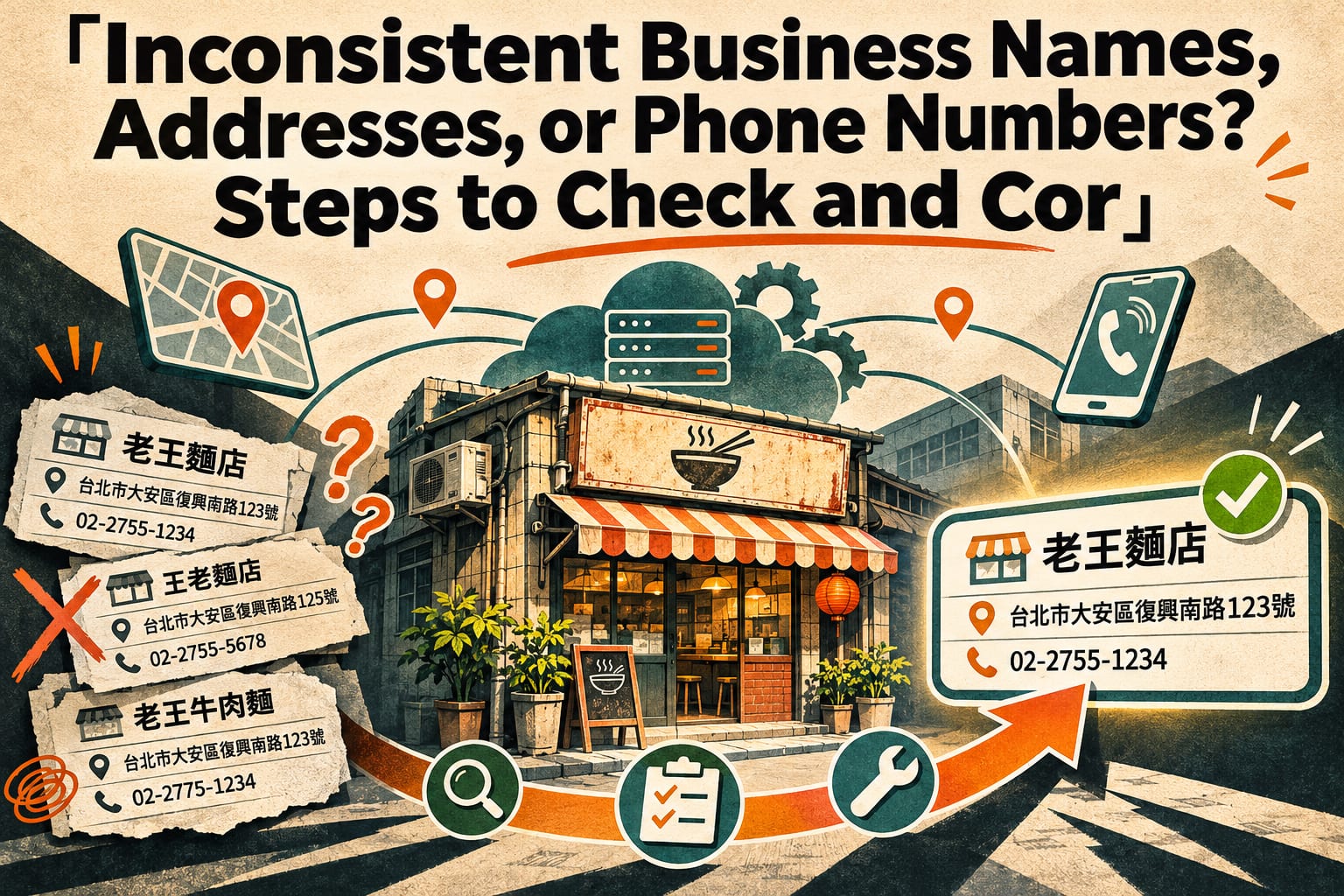
If your business name, address, or phone number is inconsistent, first confirm the correct information currently intended for the public, then compare it against your website, maps, social media, and other listing pages one by one. Prioritize correcting information that could send customers to the wrong place or have them call the wrong number, and record the dates of changes and verification. This article walks you through establishing standard information, identifying differences, and making corrections based on your access permissions for each page.
Which Inconsistencies Should You Address First?
Start by distinguishing between “different formatting” and “incorrect information.” “02-2345-6789” and “(02) 2345-6789” may be the same phone number; an old number that has been disconnected or an address missing a floor number is a problem that needs priority attention.
Names also need to be distinguished by purpose: the registered company name, storefront name, and branch name may differ, and there is no need to force them to match. However, the primary name customers use to identify your business should have a consistent version. When the full company name needs to be disclosed, list it in a separate field to avoid combining the two into one long string.
Platforms control the channels through which information is entered, yet businesses often bear the customer service costs when errors occur. The goal of organizing this information is concrete: help customers recognize the same business and know where to go and which number to call.
Step 1: Establish a Standard Version of Your Business Information
- Enter the correct information in a shared document or spreadsheet. List the public-facing name, branch name, full address, primary phone number, applicable location, and verification date. Include the city or county, district, road and section, lane and alley, street number, and floor as applicable to the actual address. Have the person responsible verify it, and make a test call to confirm that the number reaches the correct location.
- Distinguish between different uses in the same document. If the registered company address, mailing address, and customer visit address differ, label each by its purpose. Clearly state if a studio does not receive visitors. Once finished, confirm that colleagues can directly answer “Where should customers go?” without having to guess.
- Assign a person responsible for maintenance. Record the person responsible for updates and the verification date in the document. Ask another colleague to use the information to locate the address and make a phone call, confirm that the information is usable, and then use this document as the reference for subsequent corrections.
Step 2: Find Where Old Information Still Appears
- Search for your name and old information in search engines. Search separately for “business name + area,” your old name, old address, and old phone number. You can also put the phone number in quotation marks when searching. Record the pages you find in a spreadsheet; verify search result snippets separately from the actual pages.
- Check each page on the channels you manage. Review your website’s contact page and footer, social media bios, map business listings, booking pages, and online storefronts. Also check addresses in images and downloadable documents to catch overlooked information, such as “the text was updated, but the menu image is still the old version.”
- Record external listing pages. Add business directories, partner introductions, media coverage, and similar pages to the list. For each entry, record the page location, current content, correct content, administrator, and handling status. Once finished, you should be able to see which pages you can edit yourself and which require contacting someone else.
You do not need to go through every search result at the outset. Start with the channels customers use most often and where errors would directly affect visits or contact.
Step 3: Make Corrections in Order of Impact and Verify Them
- Correct wrong phone numbers and customer visit addresses first. Submit the correct information through your website’s admin panel, social media accounts, and map business management interfaces. If you do not manage a page, first look for a way to claim it or report an issue. After submitting, check the public page and record “submitted” and “displayed” separately. Do not treat submission as completion.
- Then standardize the primary name and branch labels. Use the standard version to correct bios, contact sections, and individual branch pages, avoiding the use of the same set of information for different locations. Follow the latest official guidance on platform fields, naming restrictions, and review procedures. Once finished, check each branch to ensure that addresses and phone numbers have not been swapped.
- Contact websites you cannot edit yourself. Use the site’s customer service or correction channel and provide the incorrect page, the requested corrections, and any necessary supporting evidence. Keep a record of the request and track whether the actual page has been updated. For old reports that cannot be changed, you can ask the publisher to add a note about the relocation or name change.
- Go back and check other parts of your website. Open the contact page on a phone and test the call button and map link. If the website has structured data, ask the website maintainer to also check the name, address, and phone number in it, confirming that the displayed information matches the data.
Business Information and Correction Examples You Can Copy
The following fictional example demonstrates how to organize the information:
Public-facing name: Qinghe Shoe Repair | Banqiao Branch
Customer visit address: 1F, No. 88, Shifan Road, Banqiao District, New Taipei City
Primary phone number: 02-XXXX-XXXX (enter an actual working number)
Visit arrangements: By appointment
Information verification date: YYYY-MM-DD
Suppose an old page says “Qinghe Leather Goods Repair, No. 18, Shifan Road.” You cannot simply change the business name; you also need to check the street number and phone number. A correction message to the listing website could read:
Hello, the business introduction page on your website still lists our old information.
Incorrect page: [Enter the page location]
Current content: [Paste the incorrect name, address, or phone number]
Please correct it to: [Paste the verified correct information]
If verification is needed, please let us know what supporting evidence is required. Thank you.
What Are Some Common Mistakes?
- Updating only maps while overlooking your website and booking pages. Customers may still encounter old information through other channels, so check each item against your inventory list.
- Changing different branches to the same address for consistency. Each location needs its own information; what should be consistent is the labeling format.
- Checking only the phone number format without making a test call. Neat formatting does not mean the number works, much less that it reaches the correct branch.
- Simply adding a new listing after moving and considering the job done. Old information may still be found. First check how the platform handles relocations and duplicate businesses, following the latest official guidance.
Frequently Asked Questions
Do Differences Such as “台” Versus “臺” or Phone Number Parentheses All Need to Be Changed?
First address errors that affect identification and contact, then gradually standardize formatting. Do not let differences in character forms delay correcting a wrong street number, missing floor, or disconnected phone number.
Why Do Search Results Still Show Old Information After I Have Corrected It?
The actual page and the search snippet may not update at the same time, so open the original page first to check. If the original page is correct, record the date and continue tracking it. There is no universal guarantee for platform review or search update times.
If I Do Not Have a Physical Storefront, Do I Still Need to Publish My Home Address?
First confirm your service model, platform requirements, and applicable disclosure obligations. Do not publish a private residential address just to fill in a field. Follow the platform’s latest official guidance on when you can use a service area or hide your address.
Will Consistent Information Improve Rankings or Get My Business Recommended by AI?
There is no guarantee. Organizing your information can reduce confusion when customers and systems identify your business, but search rankings and recommendations also involve other factors. Start by using accurate information and the ability to reach you as the criteria for completion.