How Can You Ask Customers for Google Reviews Without Violating the Rules?
When asking customers for Google reviews, the principle is to invite people with genuine purchasing or service experiences to voluntarily share their honest impressions. Do not offer discounts, gifts, or prize draw entries in exchange for reviews, request five stars, or screen for satisfied customers before providing access to leave a review. This article will walk you through preparing a review link, choosing when to send invitations, and writing invitation messages you can use directly; refer to the latest official guidance for policies and interface details.
Which Invitation Methods Are Acceptable? Which Are Likely to Violate the Rules?
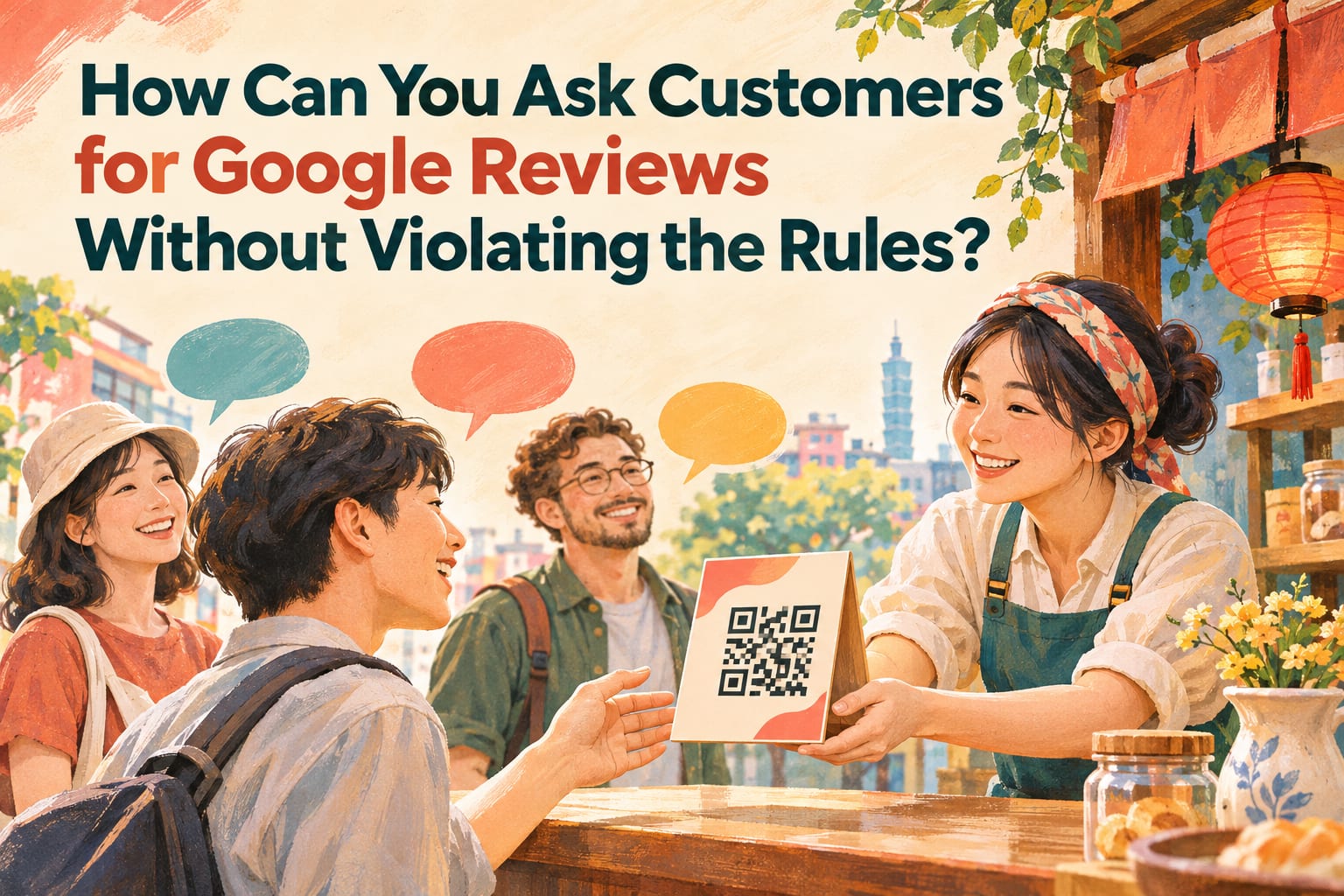
After completing a service, you can invite customers to leave honest reviews through messages, email, or small cards in your store. What matters is that customers review voluntarily, the content reflects their actual experience, and their decision to leave a review does not affect the service they are entitled to receive.
Avoid these practices:
- Offering benefits in exchange for reviews: “Leave a review for a free drink,” “Get a discount for leaving a review,” or “Upload a screenshot of your review to enter a prize draw.” Avoid these even if you do not require a positive review.
- Specifying ratings or content: Asking for five stars, instructing customers to praise a particular employee, or having customers paste a positive review written by the business.
- Only approaching satisfied customers: Asking whether customers are satisfied first, then giving the Google review link only to those who are satisfied while directing dissatisfied customers only to customer support.
- Arranging inauthentic reviews: Asking friends or relatives who have never visited, buying reviews, or having employees pose as customers to recommend their own store.
“If you liked it, please give us five stars” may sound polite, but it still steers the invitation toward a specific rating. Changing it to “We welcome your honest impressions of this experience” leaves the choice to the customer.
Step One: Obtain and Test Your Business’s Review Link
- Sign in to the Google account that manages your Business Profile. Find your business on Google Search or Maps and confirm that the name, address, and branch are correct so you do not send customers to another store.
- Find the review invitation feature in the Business Profile management interface. Look for “Ask for reviews,” “Get more reviews,” or a similar option, and copy the review link; refer to the latest official guidance for the actual name and location.
- Open the link on a phone to test it. Confirm that it displays the correct business and lets you proceed to write a review. If you are not signed in, a Google account sign-in prompt may appear first; this does not mean the link is broken.
- Create a QR code if you need printed materials. Convert the tested link into a QR code and place it on a small card or beside receipts; before printing, scan it with another phone to confirm that it is readable and leads to the correct business, then print in bulk.
Do not just check whether the QR code “scans.” A complete check means confirming that customers can reach the correct business after scanning it.
Step Two: Invite Customers Consistently After Their Experience Is Complete
- Choose a point when the service is complete. For example, after customers pay for a meal, collect a purchase, or receive and confirm a project delivery. Give customers enough experience before inviting them to review.
- Set an invitation rule that does not depend on satisfaction. For example, include the same invitation card with every completed order, or send the same message to customers who meet the same service criteria. When checking the process, confirm that ratings, complaint records, or employees’ impressions are not being used to exclude dissatisfied customers.
- Add the invitation to existing points of contact. Include access to leave a review in service completion notices, thank-you messages, or small cards in your store, clearly stating that participation is “voluntary” and that you welcome “honest impressions.” Preview it before sending to confirm that no gifts, offers, or requests for five stars have been included.
- Let customers decide when to write their reviews. Do not stand beside them watching what they do or require them to show a screenshot of their review. After implementing the process, check employees’ wording to confirm that leaving a review has not become a condition of checkout or receiving service.
How Should You Write the Invitation? Use These Messages Directly
Wording that can cause problems:
“Leave us a five-star review and show a screenshot to a staff member to get a small gift!”
This combines a request for five stars, an incentive in exchange for a review, and a demand for proof. Simply removing “five-star” is not enough; the incentive exchange still remains.
A message you can copy:
“Thank you for visiting our store today. If you would like to, please use the Google review link below to share your honest experience. All feedback is welcome, and whether you leave a review will not affect your service entitlements. Thank you for taking the time to share.”
When sending the message, simply paste your own business’s review link below it.
A short version suitable for a small card:
“Your experience deserves to be heard. Scan the code to leave an honest Google review. Whether you share is up to you.”
Your wording can be warm, but do not decide how customers feel for them. There is no need to ask them to include place names, services, or specific keywords, and certainly do not write an entire review for them.
Common Mistakes: Which Parts of the Process Need to Be Reworked?
Using feedback surveys to filter who gets invited to review. You can collect satisfaction feedback, but do not show access to Google reviews only after high-scoring responses. If a survey includes a review invitation, provide the same access regardless of the answers.
Tying customer support remedies to review changes. When customers report a problem, address it based on the actual circumstances first. Do not say, “We will refund you only if you delete the negative review,” or offer compensation in exchange for changing or removing a review.
Using employee bonuses to pressure staff into obtaining five-star reviews. If internal performance assessments focus only on the number of five-star reviews, staff may end up requesting specific ratings, repeatedly pressuring customers, or selecting only regular customers. Instead, you can check whether invitations are consistent, links work, and customer complaints are properly handled.
Frequently Asked Questions
If a customer does not know how to do it, can I write the review for them?
You can explain how to open the link and find where to write a review, but the customer should decide the content, star rating, and whether to submit it. Do not take the customer’s phone and write it for them, or sign in to their account and post on their behalf.
Can someone leave a review if they had a consultation but did not make a purchase?
A review does not necessarily require a completed purchase; what matters is whether the person had genuine contact or a service experience. Do not invite people with no experience to help boost review numbers. Whether individual content qualifies is still subject to the latest official guidance.
Can I remind customers if they have not left a review?
If you have an appropriate existing communication channel, you can send a reminder without applying pressure, but do not repeatedly ask whether they have completed it. In practice, you can include the invitation in a single service completion notice and let customers decide for themselves.
If I receive a negative review, can I ask the customer to change it?
You can first respond to the specific issue and offer a way to resolve it, then let the customer decide whether to update their experience. Do not offer benefits in exchange for changing or deleting a review; if the content appears to violate policies, you can use the platform’s reporting process, but removal is not guaranteed.