How Can AI Find Your Small Business If You Don’t Have a Website?
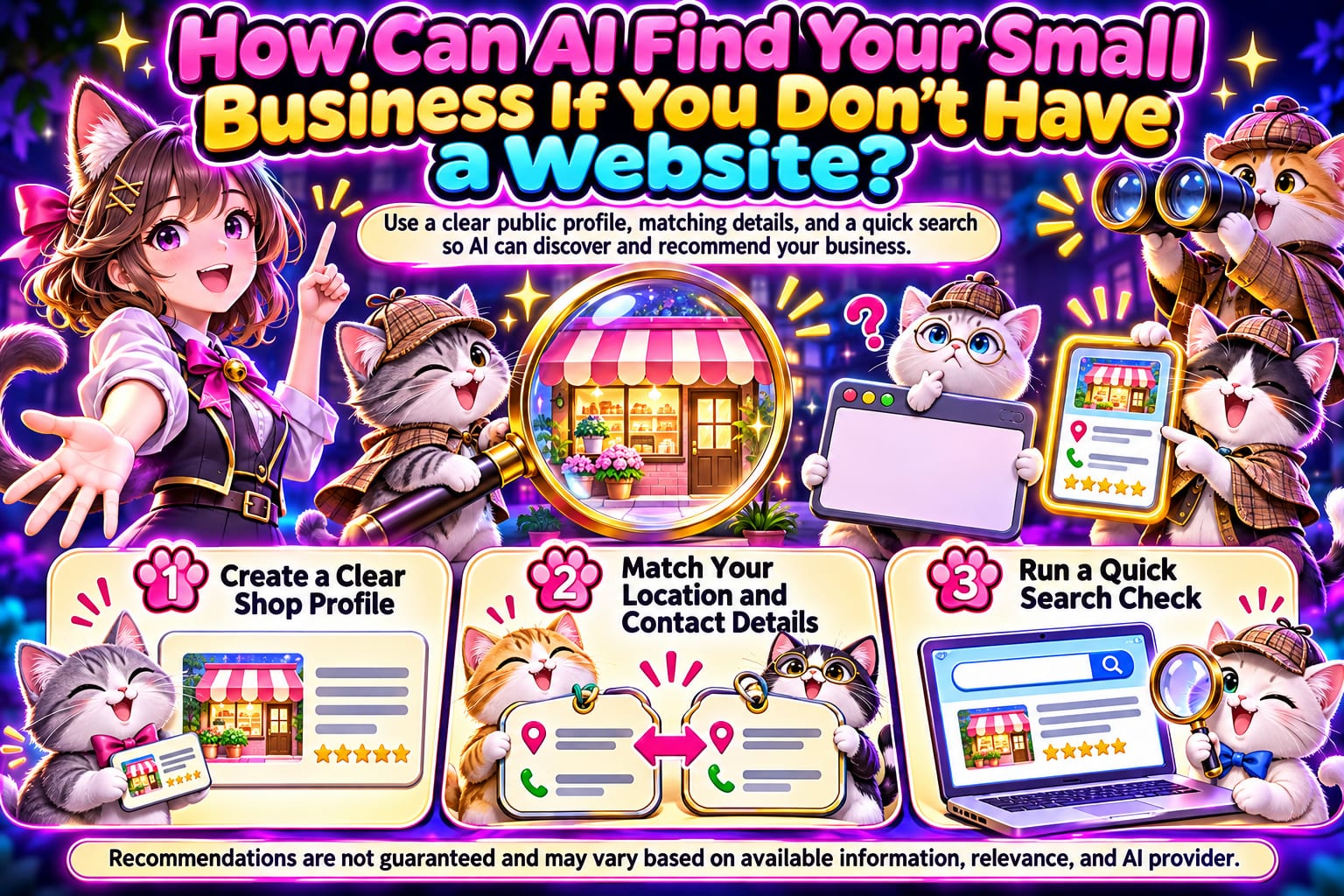
If your small business doesn’t have a website, you can start by organizing your business name, services, location, and contact details in publicly accessible business profiles, social media bios, or professional directories. This information can give search engines and some AI search tools clues to identify your business, but it does not guarantee that you will be indexed or recommended. This article walks you through the process, from organizing your information and choosing a public point of entry to checking search results.
What Information Does AI Need to Find You?
Think of AI as an assistant helping a customer find a business: it needs to know who you are, where you are, what you offer, and whether the information is trustworthy. Different AI tools obtain information in different ways; just because something is visible online does not mean every AI will read it.
Your first task is to make sure a stranger can read your public introduction and decide, “Is this the business I’m looking for?” Prepare at least the following:
- Business name: Consistently use the same public-facing name.
- Services and distinguishing features: Specify what you offer, who it is suitable for, and any service limitations.
- Location or service area: If you have a storefront, list the address; for on-site or remote services, clearly state the area you cover.
- Contact and booking methods: Tell customers what to do next.
- Business hours or response times: If you operate by appointment only, say so clearly.
Statements like “dedicated service, quality first” alone make it difficult for people to determine which needs you can meet. Start with specifics, then add personality.
What Five Steps Can You Follow Without a Website?
Create a master copy of your business information first. In a phone note or shared document, fill in your name, services, area, hours, and contact details to serve as the reference for updates across all platforms. Once you’re done, ask a friend unfamiliar with your business to read it and confirm that they can explain what you do, where you provide services, and how to book.
Choose a suitable public point of entry. Small businesses with a physical location that welcomes customers or that provide on-site services can start by reviewing the eligibility requirements for Google Business Profile; professionals can also consider public social media bios or relevant professional directories. Go to the platform’s creation or editing page to enter your information, following the latest official guidance on eligibility, verification, and fields. When finished, log out and check that ordinary visitors can read the core information.
Write your introduction as answers to customers’ questions. In the public introduction field, clearly state “service area + services offered + who they are suitable for + how to book,” instead of posting only slogans or images. Once finished, check on your phone that the text appears in full, and confirm that readers can find your services without scrolling through many posts.
Keep core information consistent across other public pages. Check your existing social media pages, map listings, and directories one by one, correcting old phone numbers, addresses, and outdated hours; where website or social media fields are available, you can link to your main public page. When finished, compare the pages side by side. The wording does not have to be identical, but the facts must not contradict each other.
Check using customers’ questions, then keep maintaining your information. Search for “business name + area” in a search engine, then try “area + service,” and record which pages appear and whether the information is correct. If you use an AI tool with search capabilities, you can also test the same questions; not appearing does not automatically mean your setup has failed. Every month, and after moving or changing your services, return to the source pages to update and check them again.
How Should You Write Your Business Introduction? Adapt This Example
The following is a fictional example of a home cleaning service. It demonstrates the writing approach only and does not represent an actual business or results.
Before: “Professional cleaning, caring for every home. Message us!”
After: “Xiaohe Cleaning provides home cleaning in Taichung City’s West and Nantun districts, including kitchen degreasing, bathroom cleaning, and general home tidying. Services are by appointment only. Please message us through this page with your district, floor area in ping, and preferred date; we will reply about availability and pricing after confirming your needs.”
This text helps readers determine the service area and understand what information to prepare when making an inquiry. Replace the areas and services with accurate details, and do not add services you do not offer just to cover more search terms.
You can use this template to organize your information first, then paste it into suitable public fields:
Business name:
Main services:
Service area / storefront address:
Needs you can meet:
Services not offered:
Business hours / booking method:
Contact details:
Information last updated:
What Common Mistakes Make It Hard for People to Find the Key Information?
Putting important information only in images. You can keep menus and price lists as images, but services, areas, and booking methods should also appear as text to make them easier to read and find.
Using content that is visible only after logging in. Private accounts, closed groups, or chat messages are not suitable as your only public introduction. Check that your point of entry is readable while logged out.
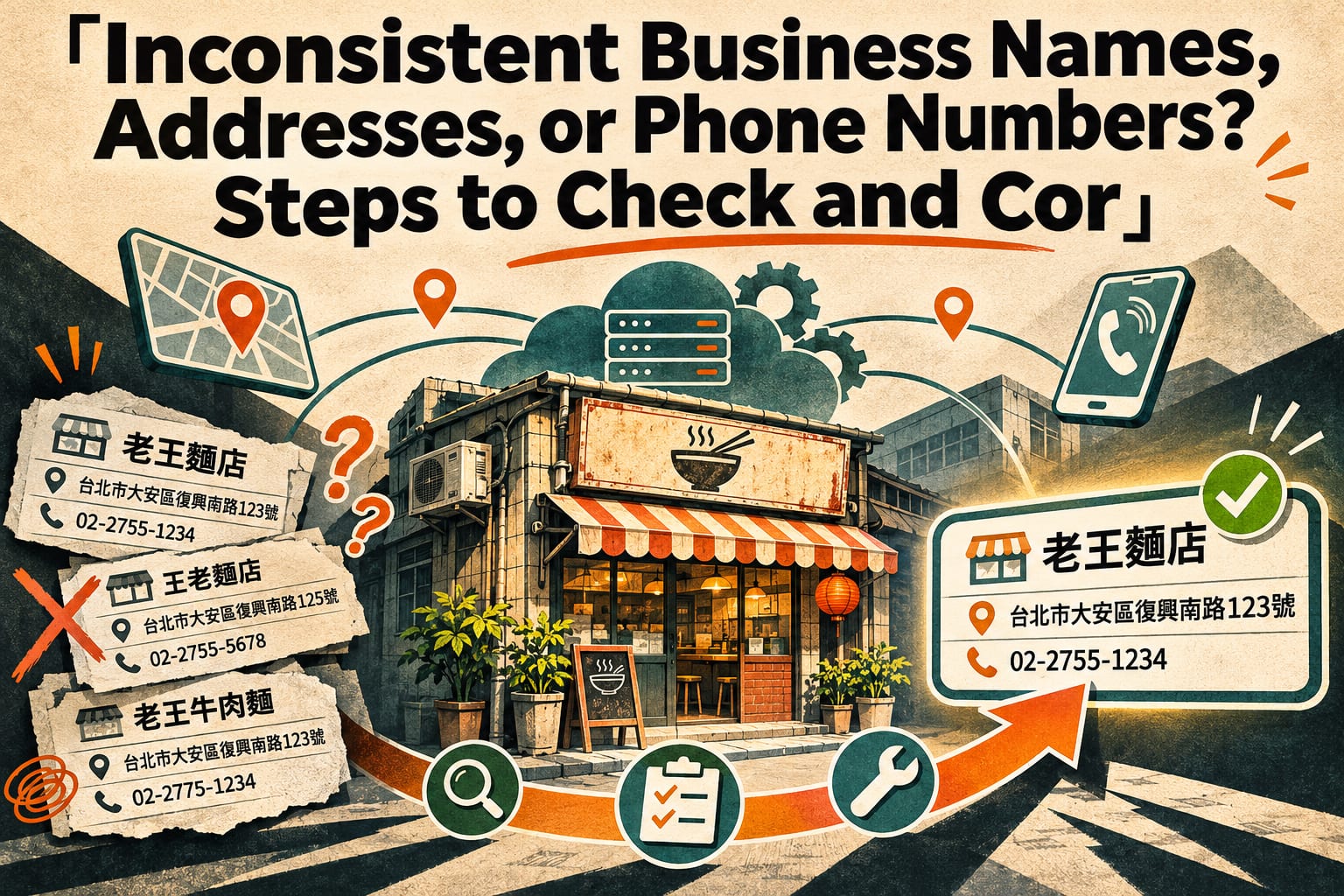
Using different names, addresses, and phone numbers in different places. Old information can lead customers to contact the wrong place. First correct the sources you can manage; for pages you cannot edit directly, use the platform’s reporting channels.
Stuffing in place names and claims such as “recommended” or “number one.” Unsupported titles cannot replace descriptions of your services. Actual services, service areas, and work samples that can be checked are more practical ways to help customers decide.
Treating a single AI answer as a fixed ranking. Answers may vary depending on the tool, question, and time. Focus your checks on whether the information can be found and whether it is accurate, rather than only on whether you are mentioned.
Frequently Asked Questions
If I Only Have a Social Media Account, Do I Still Need a Website?
You can start by completing your public introduction; there is no need to wait until your website is ready. When you offer more services and need a central place for work samples, detailed descriptions, or booking information, you can then assess whether a website is worth the investment.
What Address Should I Enter If I Don’t Have a Physical Storefront?
First, clearly state your service area and whether you provide on-site, remote, or appointment-based visits, and do not enter a nonexistent storefront. Platforms have different rules for address visibility and business eligibility, so follow the latest official guidance when configuring your listing.
Once This Is Done, How Long Will It Take for AI to Find Me?
There is no universal waiting period, and indexing cannot be guaranteed. First confirm that your pages are public and the content is accurate, then search and check regularly; if AI does not mention you, that may also be related to the data sources it uses.
Do I Need to Pay for Exposure to Have a Chance of Being Found?
You do not need to make paid promotion your first step; you can start by completing your public information and basic introduction. Advertising exposure and citations or recommendations in AI answers are different things; if you encounter a package that guarantees recommendations, first confirm what the provider can actually deliver.