Will AI Recommend My Business If I Only Have a Facebook Page?
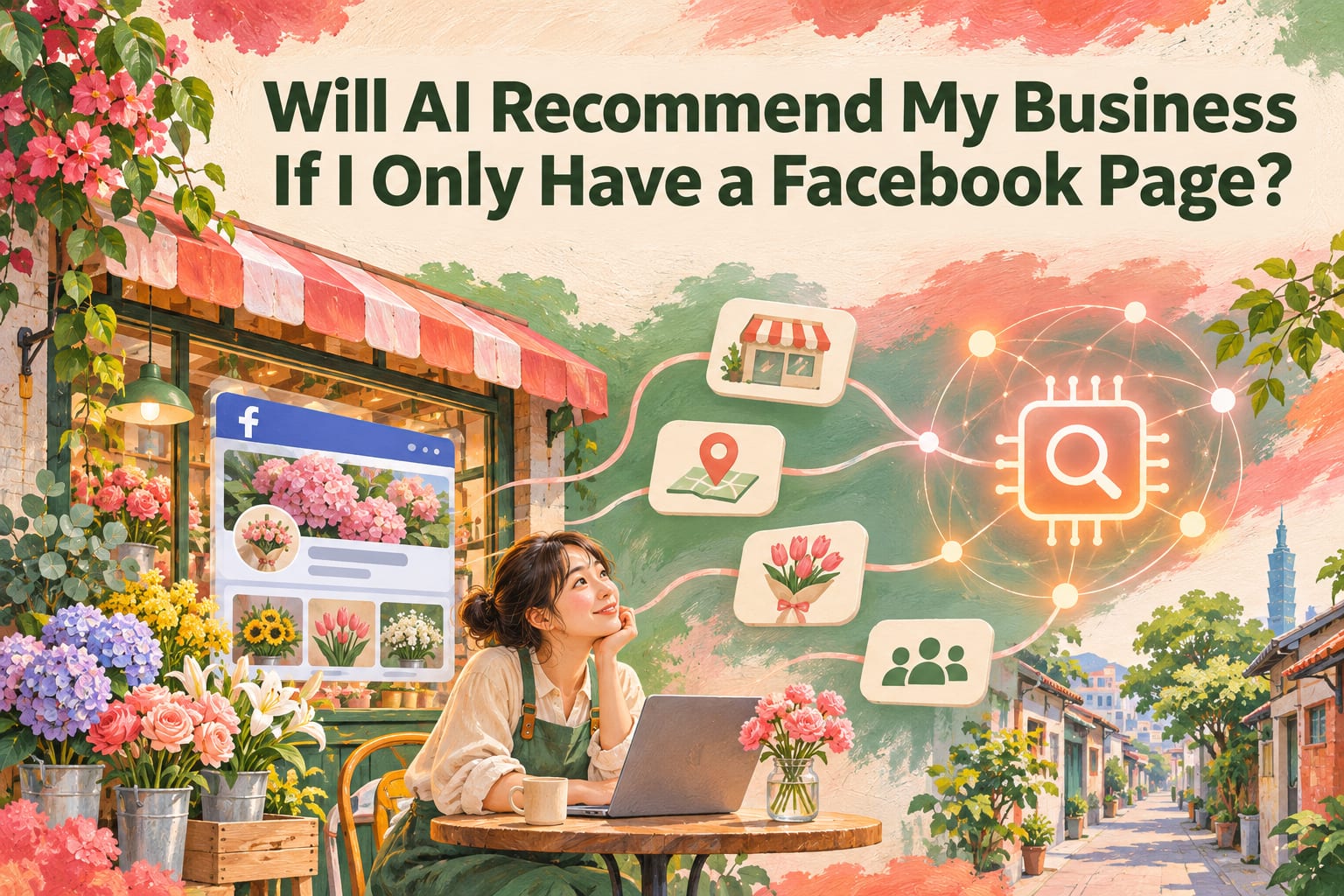
Even if you only have a Facebook Page, AI may still find, mention, or recommend your business, but there is no guarantee. Whether your Page is public, whether external systems can read its content, and whether the information is sufficient to answer a user's question can all affect the results. This article will walk you through organizing your Page, completing other public information, and checking how easily your business can be identified.
Why doesn't having a Page mean AI will recommend you?
Think of your Page as a storefront window: the photos may be beautiful, but passersby may still have no idea where you are, what services you offer, or whom they are suitable for. AI also needs these specific clues to answer a question like, “Where in Tainan can I find flower arranging classes suitable for beginners?”
Different AI tools also use different data sources and search methods. Some answers involve searching the web; others do not. Making your Page public does not mean every post can be searched, read, or used. For actual access restrictions and platform rules, refer to the latest official guidance.
First, distinguish between three things: finding your name, correctly understanding your services, and including you in recommendations are different outcomes. Improving your information can increase the chance of being understood, but it cannot guarantee that you will ultimately be selected.
What five steps can make your business information easier to understand?
Check what strangers can see. Open your Page in a private browsing window and check whether its name, introduction, contact details, and main services are visible. Once you have done this, confirm what information visitors can access without logging in. If a login prompt appears, note which important content is blocked. This checks the visitor experience; it does not directly prove that AI can read the content.
Put your basic information in a fixed location. Fill in your brand name, services, location or service area, booking method, and applicable business hours in the editable introduction, About, or details fields on your Page. Refer to the latest official guidance for field names. Then switch back to the visitor view and confirm that people can understand what you do, where you provide services, and how to contact you without scrolling through posts.
Write a complete service description. Publish a text post on your Page explaining whom the service is for, what it includes, its location, pricing or quotation method, booking process, and restrictions. If a suitable pinning or featured-content function is available, use it to improve visibility. Then ask someone unfamiliar with your business to read it and confirm that they can answer, “Is this suitable for me?” and “How do I book next?” Do not put important information only in poster images.
Add a public listing that allows cross-checking. Businesses with a physical service location or service area can first check whether they qualify for a Google Business Profile. Professionals can also organize their information on a professional association's website, a register of licensed practitioners, or another suitable public profile page. Refer to the latest official guidance for each platform's eligibility requirements and settings. Then compare your name, phone number, address, or service area across listings to ensure consistency. Do not feel compelled to enter a private address where you do not receive customers.
Check the results using real questions. In the AI tool you want to observe, enable search if it is available, then ask both “What services does [brand name] offer?” and questions combining a location with a need. Afterward, record the date, questions, answers, and sources, and check whether the information is correct and whether your information was actually cited. Not appearing once does not mean you will never be found; appearing once does not mean you are consistently being recommended.
How can you write your Page introduction?
The following is an example for a fictional floral studio. Replace it with real information, and do not include services you do not yet offer.
Before: “Let flowers accompany you through every beautiful day. Message us about classes.”
After: “Little Leaf Floral Studio is located in Tainan's West Central District and offers introductory flower arranging classes for adults and private small-group classes. Classes are by appointment, and no experience is required. Please see the class description for current dates, fees, and included materials. To book, send our Page a private message.”
The first version creates a mood; the second tells readers the location, services, intended audience, and booking method. You can keep the aesthetic appeal, but add clear signposts to it.
For service posts, you can follow this order:
- Service name: What you actually offer.
- Intended audience: Who can participate and whether any eligibility restrictions apply.
- Location and time: Service area, directions to your premises, or available appointment times.
- Fees: A clear price or the factors that affect a quotation.
- Booking method: What information customers need to provide and how a booking is confirmed.
What common mistakes make information difficult to use?
Asking people to send a private message for every detail. It is reasonable to discuss individual needs, but basic services and whom they are suitable for should be public first. Otherwise, readers will find it difficult to compare options, and external systems will lack descriptions they can cite.
Putting key information only in images. Images are useful for showcasing work and creating atmosphere, but different systems have different abilities to process them. Addresses, pricing conditions, and booking methods are best provided in text as well.
Leaving old information unchanged. After moving, changing your name, or discontinuing a service, publishing a single announcement may not be enough. Update your introduction and other public information at the same time, and add an update notice to old service posts.
Repeating keywords excessively. Repeating city names and service names many times does not mean you are more likely to be recommended. Prioritize details customers actually need to make a decision, such as whether you offer home visits, accept beginners, or have service restrictions.
Frequently asked questions
Do I have to build a website to have a chance?
Not necessarily. You may still be found or mentioned with only a Page. A website provides a place where you can organize your content more freely. Whether to build one depends on the complexity of your services and your ability to maintain it. You do not need to start with a large website.
Will AI be more likely to recommend my Page if it has more followers?
Follower count alone cannot determine this, and there is no universal threshold for recommendations. For readers, whether a service meets their needs and whether its information is clear and trustworthy are more helpful in making a choice than a single number.
Can posting more frequently improve my chances of being recommended?
No fixed posting frequency can guarantee results. Updating your business hours, current services, and booking information first, then using posts to answer customers' common questions, is more practical than posting repetitively just to increase the number of posts.
What should I do if AI gets my business information wrong?
First, check your own Page and other public pages, and correct outdated or contradictory content. If the answer includes sources, check whether those sources need correcting as well. You can also use the tool's reporting function, but there is no guarantee of when updates will be reflected in its answers.