How Do You Find Local Marketing Keywords? Start with How Customers Ask
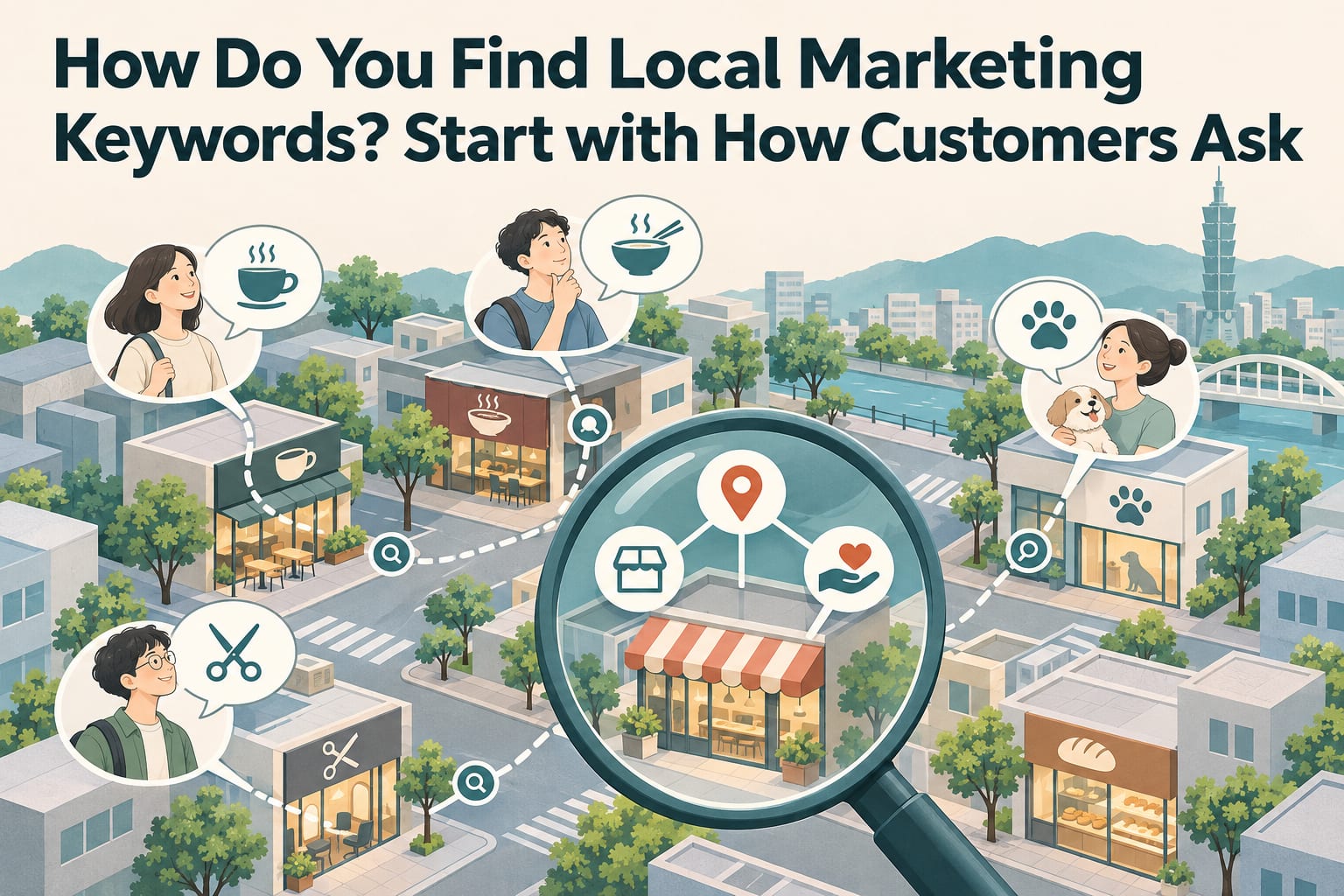
You can start finding local marketing keywords by looking at three things: what services you offer, which areas you serve, and under what circumstances customers need you. First, organize the questions customers actually ask, then check whether the search results match your services. You do not need to chase the terms with the highest search volume from the start. This article will walk you through creating a keyword list, choosing priorities, and incorporating them into your website content.
What Should You Prepare Before Getting Started?
Open a spreadsheet and create six columns: “Service,” “Location,” “Need,” “Candidate Keyword,” “Basis for Assessment,” and “Corresponding Page.” Gather recent call records, message inquiries, reviews, and frequently asked questions to identify the words customers use to describe their needs.
Keep only the questions when organizing this information, and remove personal details such as names and phone numbers. What you need is your customers’ language, not their identities copied into marketing documents.
How Do You Find Local Marketing Keywords Step by Step?
List the services you can actually provide. In the spreadsheet’s Service column, write down three to five main services, such as air conditioner cleaning, air conditioner leak inspections, and air conditioner installation. Then check each one: if a customer asked today, could you provide it? Remove any services you cannot take on for now to avoid directing traffic to the wrong place.
Add the areas you actually serve. In the Location column, enter administrative districts, shopping districts, or landmarks familiar to customers, such as Banqiao or the area around Xinpu Station. Check the address and home service coverage on your website and business listings to make sure the wording is consistent. Home service businesses without a storefront should also clearly distinguish their service area from their business address.
Find terms describing needs in inquiry records. Review messages, call notes, and reviews, and record questions such as “Can I book for the weekend?” “How is the price calculated?” and “Are there classes suitable for beginners?” Organize them into four categories: price, time slots, target customers, and problems. Then confirm that each need is supported by an actual inquiry, or mark it as an assumption to be verified.
Combine them into natural search phrases. In the Candidate Keyword column, use combinations such as “location + service” and “location + service + need,” for example, “Banqiao air conditioner cleaning” and “Banqiao air conditioner cleaning cost.” Start with just ten to twenty candidate terms. Read through them to make sure they sound like something a customer would type; there is no need to squeeze every modifier into a single phrase.
Check intent on the search results page. Enter each candidate term into a search engine and see whether the results include map listings, service pages, how-to articles, and any available search suggestions. If you want to receive bookings but most results are DIY repair guides, that term may be better suited to a how-to article. Record the date and the types of results you observe. Search results are affected by factors such as location, so a single view does not represent what everyone sees.
Choose three to five terms and assign them to existing pages. Return to the spreadsheet and prioritize terms that match your services, cover areas you can serve, and express clear needs. Enter the corresponding service page or article for each. Similar terms addressing the same need can go on the same page. Once finished, confirm that every term has content to support it and that the page answers questions about service coverage, pricing, and how to book.
A Concrete Example: What Could an Air Conditioner Cleaning Business Write?
The following hypothetical scenario demonstrates how to organize the information; it is not a real business performance case study. Suppose you provide air conditioner cleaning at customers’ homes in Banqiao, and customers often ask about pricing and weekend bookings. You could fill in the table like this:
| Candidate Keyword | What Customers Want to Know | Where It Fits |
|---|---|---|
| Banqiao air conditioner cleaning | Who can provide service at their home | Service page topic |
| Banqiao air conditioner cleaning cost | How pricing works and whether there are extra charges | Pricing section |
| Banqiao weekend air conditioner cleaning | Whether service can be scheduled on weekends | Booking information section |
Original sentence: “Professional team, quality first. Contact us for more information.”
You could change it to: “We provide air conditioner cleaning at customers’ homes in the Banqiao area. When booking, please provide the type and number of air conditioners and your preferred time slot. We will first confirm service coverage, the quote, and available dates.”
If you actually offer weekend service, add: “Weekend bookings are available. Please inquire about specific time slots in advance.” Do not make promises you cannot keep just to match a keyword.
Once Keywords Are on Your Website, How Do You Check Whether They Work?
First, check whether the page title, main heading, and opening clearly explain the location and service. Then fill in pricing conditions, the service process, and contact details. Keywords are labels that help readers recognize what the content is about, not magic passwords that need to be repeated throughout the page.
If you already use Google Search Console, you can review the search queries that generate impressions and clicks for your website and compare them with your original list. Refer to the latest official documentation for features and where to find them. Also record relevant inquiries, bookings, and the needs customers mention, then make adjustments after collecting information over a period of time. If clicks increase without suitable inquiries, first check whether the content is attracting the wrong needs.
What Are the Common Mistakes?
- Choosing only broad terms. “Coffee” and “design” are too broad. Start by adding a location, service, or use case.
- Filling the list with places you do not serve. No number of place names can make up for the actual ability to provide service. Stick to areas where you can take on customers.
- Creating a page for every similar term. If “Banqiao air conditioner cleaning” and “air conditioner cleaning in Banqiao” answer the same need, start by combining them into a complete service page.
- Treating search suggestions as proof of demand. They can offer wording ideas, but they cannot determine market size or sales opportunities on their own.
Frequently Asked Questions
Do I Have to Pay for a Keyword Tool?
Not necessarily. Customer inquiries, search results, and existing website data are enough to build your first list. Consider tools later when you have many candidate terms to compare and track.
Are Terms with Very Low Search Volume Still Worth Targeting?
If a term corresponds to a clear need that you can meet, it is worth keeping. The volume shown by tools is only a reference; you also need to consider actual inquiries and the quality of resulting sales.
If I Serve Many Areas, Should I Write a Page for Each One?
First, determine whether each area has different, useful information, such as conditions for home visits, available time slots, or transportation options. If you would only be replacing place names, start with a single page that clearly lists your service area.
Will Finding Keywords Get Me to the Top of Search Results?
There is no guarantee. Keywords can help you align with customer needs, but rankings are also affected by content, competition, and other factors. Start by focusing on helping suitable customers understand your services and submit an inquiry.