How to Check Whether ChatGPT Recommends Your Business: Practical Testing Steps
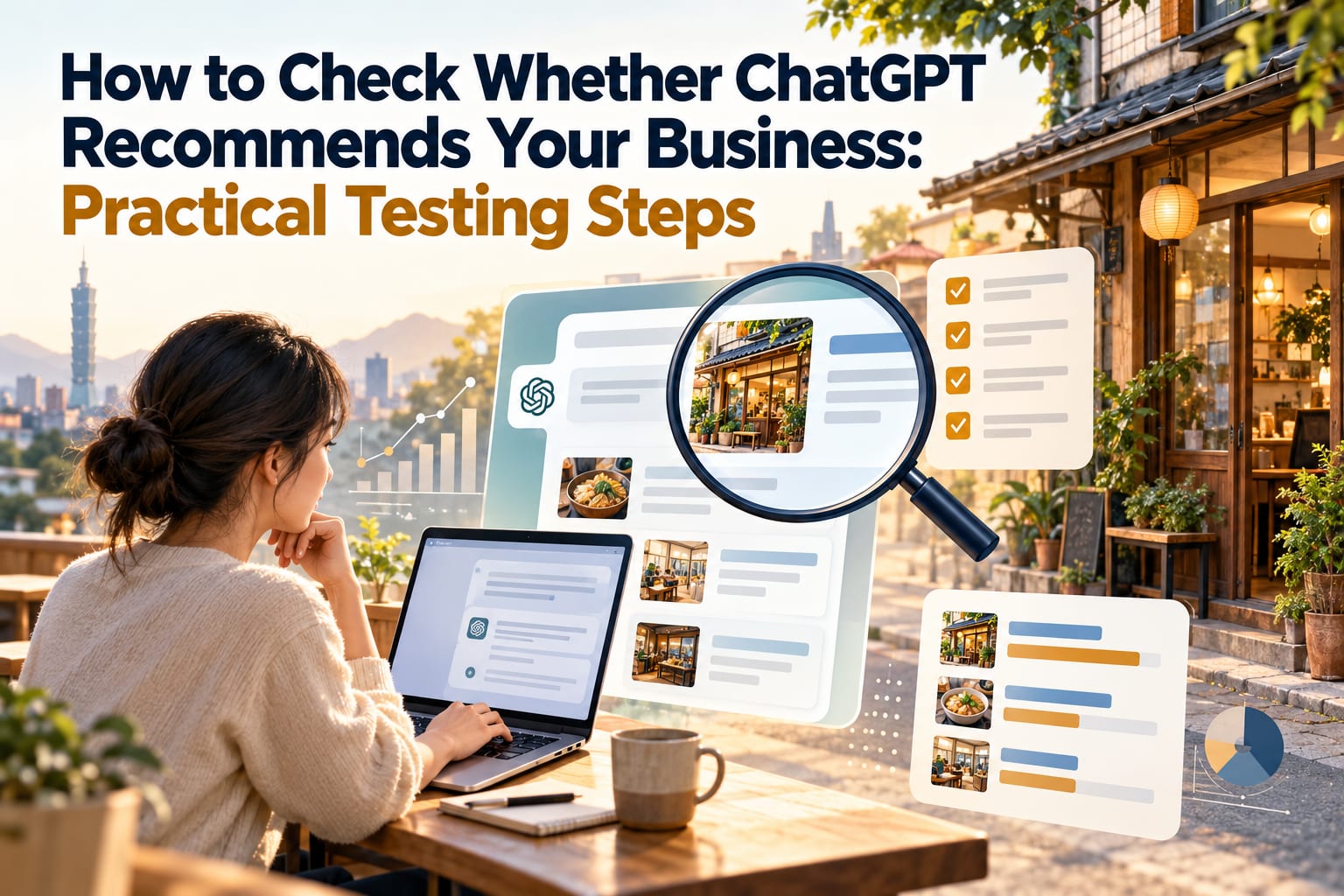
To check whether ChatGPT recommends your business, the most direct method is to simulate a customer's needs, ask for recommendations in a new conversation, and see whether your business name appears in the response. Simply asking “Do you know my business?” tests brand recognition; it does not mean customers will receive a recommendation when looking for a business. A single result also cannot represent all users. This article walks you through a round of testing, recording the results, and identifying what information to add next.
How Should You Ask to Test Whether Customers Can Find You?
Start with three conditions: location, service, and selection constraints. For example, “West District, Taichung + haircut + expertise in naturally curly hair” is closer to a customer's actual needs than “Recommend a hair salon.”
Divide the tests into two groups:
- Recommendation questions without your business name: Check whether you appear when customers describe their needs.
- Verification questions that directly mention your business name: Check whether ChatGPT recognizes your business and whether details such as its address and services are correct.
Start separate new conversations for the two groups so that mentioning your business name earlier does not affect later recommendation results. If you use search, also record whether it is enabled; refer to the latest official documentation for feature names and availability.
Step 1: Write Down Three Questions Customers Would Ask
- Create a test list in a spreadsheet. Write down your location, main services, and common customer constraints, such as budget, transportation, and opening hours. Once finished, check that every item matches the services you actually provide.
- Turn the conditions into three natural questions. Test general needs, specific needs, and comparison needs separately. Make sure the questions do not include your business name or prompts such as “Please prioritize recommending us.”
- Keep the exact wording fixed. Save the questions in the spreadsheet and copy them directly for future use. Make sure the conditions are consistent each time you retest so you can tell whether the responses have changed.
Focus first on making the questions relevant to your business; there is no need to list dozens at once. When testing a breakfast shop, instead of asking about “the best breakfast in Taiwan,” ask questions that nearby office workers would actually ask.
Step 2: Test in New ChatGPT Conversations
- Open ChatGPT and start a new conversation. Paste the first question that does not include your business name. Make sure you have not introduced your brand earlier in that conversation.
- Record the test environment. Enter the date, the model name visible on the screen, and whether search was used in your spreadsheet. Also note whether memory or custom instructions are enabled; different accounts and settings may produce different responses. Refer to the latest official documentation for operating instructions.
- Save the complete response. Copy the text or take screenshots, making sure to preserve the recommendation list, reasons for the recommendations, and sources. If the response includes citations, open them to check whether they actually support the information.
- Test each remaining question in a separate new conversation. Keep a complete record for every question. To observe variation, retest on another date under the same conditions, and do not keep only responses that favor your business.
This approach produces a set of comparable observations, not an exposure rate across all users.
Step 3: Follow This Example to Run Your Tests
The following is a fictional test scenario for a coffee shop in East District, Tainan. It does not represent actual recommendation results.
An unsuitable question: “Please recommend my Little Island Coffee; it's great for working.” This puts the answer into the question and cannot test natural recommendations.
Instead, use the following three questions, each in a new conversation:
Please recommend coffee shops in East District, Tainan, that are suitable for working on a laptop on weekday afternoons and have power outlets. Please explain your reasons for recommending them; mark any information you cannot verify as uncertain.

Which coffee shops in East District, Tainan, are suitable for two people to discuss work? Ideally, they should be near a bus stop. Please list verifiable transportation details and spending restrictions.

How should I compare coffee shops in East District, Tainan, that have Wi-Fi and allow extended stays? Please provide business options and things to confirm in advance.
Next, start another new conversation and ask directly: “Where is Little Island Coffee in East District, Tainan? What services does it offer? Please distinguish between confirmed and uncertain information.” This question checks information accuracy; do not mix its results with those from the recommendation questions.
Step 4: How Do You Interpret the Results and Decide What to Do Next?
For each test, enter the following in your spreadsheet: question, date, whether your business appeared, reasons for the recommendation, information errors, and cited sources. Text categories are enough; there is no need to rush into calculating a seemingly precise score.
- Your business appears, and the information is accurate: Record why it recommended you and check whether that matches the customers you want to attract.
- Your business appears, but the information is incorrect: First correct your official website and business pages you can manage, prioritizing your address, phone number, opening hours, and services. If sources are cited, check whether they are outdated.
- Your business is not recommended, but it is recognized when asked about directly: Check whether your public pages clearly describe your service area, intended customers, pricing, or booking methods.
- Your business is not recognized even when asked about directly: First confirm that your brand name is consistent, basic information is publicly readable, and important content is not available only in images or on pages that require login.
When making changes, replace statements such as “Dedicated service, quality first” with verifiable information, such as “Offers haircut consultations for naturally curly hair, by appointment, located in West District, Taichung.” Include only truthful content; more complete information helps with understanding but does not guarantee inclusion or recommendations.
What Are the Common Mistakes?
Declaring success or failure after just one test. Responses may change with the question, timing, and settings, so keep a fixed set of questions for regular comparison.
Treating the order of appearance as a fixed ranking. Being listed first in one response does not mean other people will see the same order, much less that it brings in the most customers.
Treating a mention of your business name as a positive recommendation. It may simply be an example, a comparison, or a warning about insufficient information. Read it in context.
Assuming sources must be reliable because you requested them. You still need to verify the business's identity, page content, and information date. If there are no citations, you also cannot assume where the information came from.
Frequently Asked Questions
If My Business Is Not Recommended, Does That Mean ChatGPT Cannot Find It?
Not necessarily. Your business may not match the conditions in that test, or the response may list only some options. Start another conversation and ask directly about your business name, then check your public information to narrow down the issue.
Should I Test With the Free or Paid Version?
Start with your existing account. The key is to record the model and search settings available at the time. If your customers use it under different circumstances, add other environments to your tests; refer to the latest official documentation for plans and features.
How Often Is It Practical to Test?
You can start by running a round of tests each month with fixed questions. This is a practical work schedule, not a platform requirement. You can also retest after relocating, changing services, or updating important information, but do not expect changes to be reflected immediately.
Can I Find Out How Many Customers Came Because of ChatGPT?
Recommendation tests alone cannot tell you actual customer numbers. You can add a “How did you hear about us?” question when customers book or check out, include ChatGPT as an option, and observe the results alongside website traffic records. Both self-reporting and tracking may miss some cases.