How to Write llms.txt: Format, Examples, and Publishing Steps
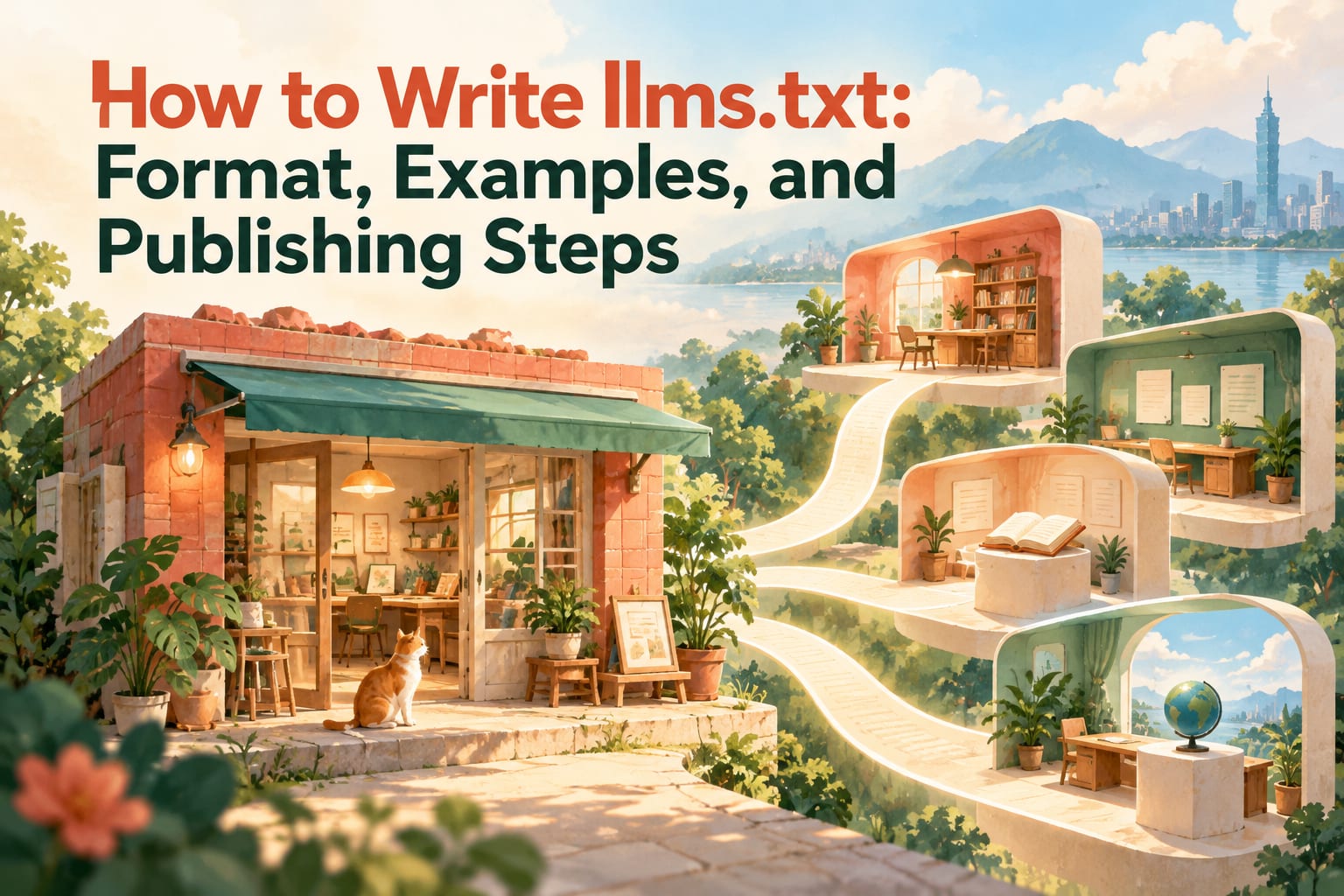
To write llms.txt, use Markdown in a plain-text file to include your website’s name, an introduction, and links to important pages with descriptions, then save it as llms.txt in your website’s root directory. It is a proposed format for helping AI understand website content, and it does not guarantee that AI will read, cite, or recommend your website. This article will walk you through selecting content, applying a template, and confirming that the file is published correctly.
What Is llms.txt? Think of It as a Website Guide Card
Imagine a first-time visitor holding a concise guide card: who you are, what you offer, and where to find important information. llms.txt serves a similar purpose, but it is primarily intended as a reference for AI tools that support this format.
It will not fill in information that does not already exist on your website. If a service page does not explain pricing, service areas, or how to book, clarify the page first before listing it in the file.
How Should You Structure the Basic llms.txt Format?
According to the format proposal, start with one level-one heading and add the other sections as needed:
# Website or Brand Name: Identifies who this file represents.> A brief introduction: Uses a blockquote to explain the website’s purpose and intended audience.- Additional paragraphs: Explain background information needed to understand the website.
## Category Name: Groups pages into categories such as services, bookings, and frequently asked questions.- A list of links: Each item includes a page name, URL, and brief description.
Use full URLs that include the domain to avoid losing location information when the content is used in another environment. If you use ## Optional, it means that the content in that section can be skipped when the context needs to be shortened. It is suitable for further reading, but not for core services.
How Do You Create and Publish It Step by Step?
- Take inventory of important pages in your website’s admin panel. Start by finding service descriptions, pricing, bookings, contact information, and frequently asked questions. Open each page to confirm that its content is still valid and that visitors can read it without logging in.
- Create the file in a plain-text editor. You can use Notepad or a code editor and fill it in using the format below. When finished, confirm that there is only one main heading marked with
#, that each category uses##, and that link items start with-. - Make the descriptions verifiable. After each link, state what the page provides, such as “Lists services, prices, and delivery times.” Return to that page to confirm that this information is actually there, and remove unsupported adjectives.
- Save it as
llms.txtusing UTF-8 encoding. Check the encoding and filename in the editor’s save dialog; Windows users should also check the file extension to avoid accidentally saving it asllms.txt.txt. - Place it in your website’s root directory. Use your hosting provider’s file manager or a website deployment tool, or ask your website maintainer to handle it. If you use a hosted website builder, first confirm whether it supports serving a text file from the root directory; follow the latest official instructions for the procedure.
- Verify it in a browser. Add
/llms.txtafter your website’s homepage domain and open it, then test it again in a private browsing window. Confirm that you see the file’s text rather than a login page, a page-not-found message, or the homepage, and test every link in the file.
Is There an llms.txt Example You Can Copy?
The following is a template for a fictional floral studio. To prevent example URLs from being mistaken for real ones, placeholders are used instead; before publishing, you must replace all of them with full URLs that actually exist on your website.
# Brand Name | Floral Studio

> Offers custom floral gifts and floral design classes in the Taichung area. The website provides service details, pricing, and booking information.

Floral gifts and classes require advance booking; please check the booking page for available dates.

## Services and Pricing
- [Custom Floral Gifts](<Full URL of floral gifts page>): Types of floral gifts, prices, and production lead times.
- [Floral Design Classes](<Full URL of classes page>): Class content, fees, locations, and registration methods.

## Bookings and Contact
- [Booking Information](<Full URL of booking page>): Ordering process, payment, and cancellation policies.
- [Contact Information](<Full URL of contact page>): Business hours, address, and contact details.

## Optional
- [Brand Story](<Full URL of brand story page>): The studio’s background and creative philosophy.
The links in the code are part of the file’s content, not an instruction to add traffic-driving buttons to an introductory article. After pasting the template, update the service area, offerings, and policies along with the URLs; simply delete any services you do not provide.
What Common Mistakes Make the Content Less Useful?
Writing advertising slogans. “Dreamy floral gifts that understand you best” does not explain the page’s content. You could change it to “Provides bouquet sizes, prices, and pickup options.” Make every sentence help readers find answers.
Cramming in every link on the website. An overcrowded guide card loses its focus. Start by keeping the pages that answer key questions about your services, then add categories as needed.
Providing information that differs from the website. When business hours, prices, or service coverage change, check the file at the same time. For details that change frequently, descriptions can direct readers to the relevant pages to reduce duplicate maintenance.
Treating it as a crawler permissions setting. llms.txt does not replace robots.txt, nor does it provide access control. Protect confidential information with login authentication and permission management, and do not put it in a public file.
Frequently Asked Questions
Can You Write It Without an Engineer?
Yes. The content requires only plain text and basic Markdown. Whether you can publish it yourself depends on your website platform; if you cannot access the root directory, you can give the completed file to your maintainer.
Does It Have to Be Written in English?
The format proposal does not require the body text to be in English, so a website serving customers in Taiwan can start with Traditional Chinese. If the website already has English service pages, add the corresponding content as needed and confirm that the translations are consistent.
Will AI Recommend Your Website Once It Is Ready?
There is no such guarantee. Whether each AI service reads it and how it uses it may vary. It works well as part of organizing your content, while the website itself still needs to provide clear, publicly accessible, and trustworthy information.
Do You Need Both llms.txt and sitemap.xml?
They serve different purposes: sitemap.xml primarily provides a list of website pages, while llms.txt adds an introduction and reading guidance to help AI understand them. If you already have sitemap.xml, you can keep it and assess whether to add llms.txt based on your website’s needs.