What Are Google AI Overviews? How Businesses Can Respond
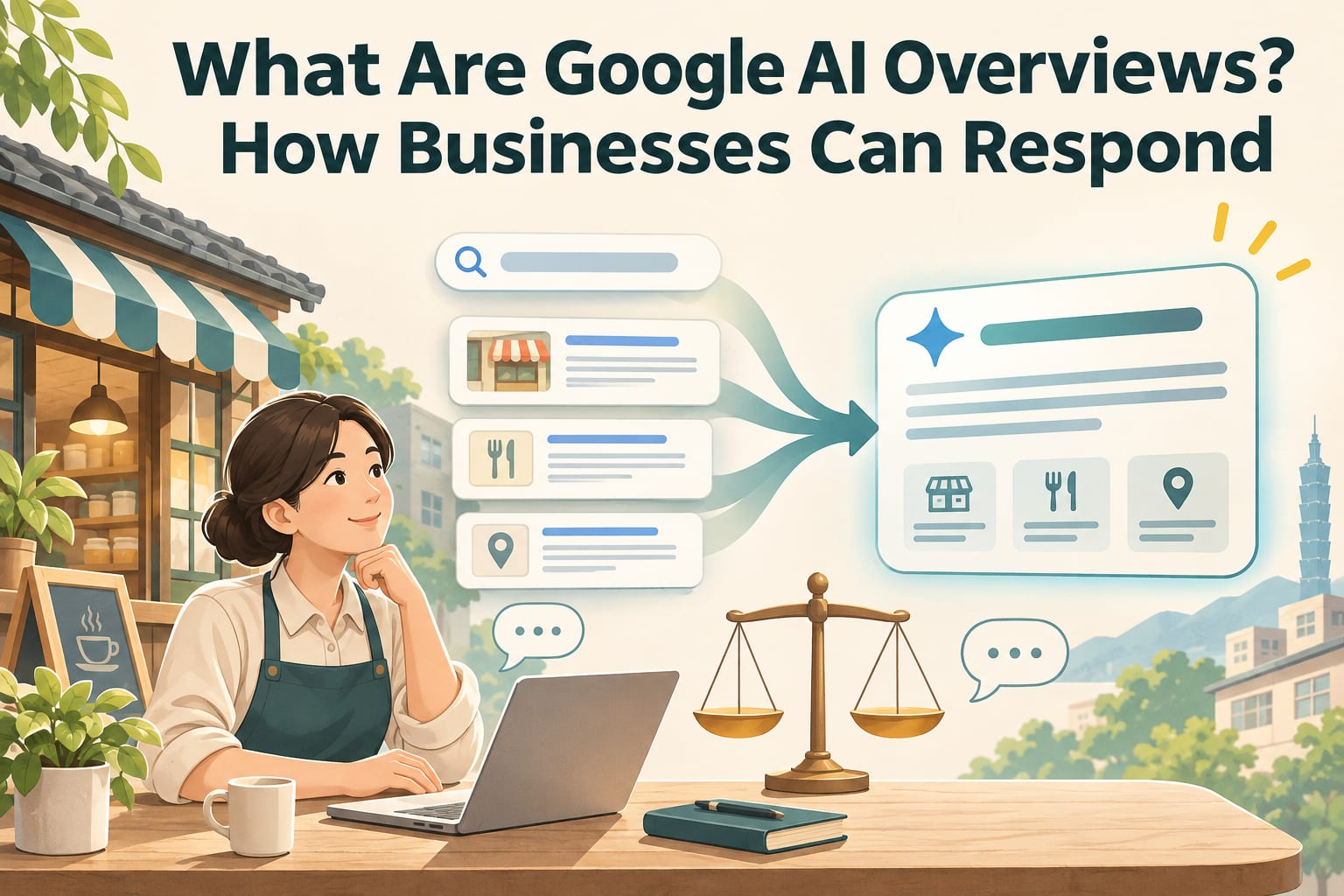
Google AI Overviews are a generative AI feature in Google Search that compiles answers to some queries and provides links to related webpages. Businesses can improve their website content and business information to help search systems understand their services, but cannot guarantee citations in an overview or search rankings. This article walks you through checking your website, filling in the answers customers need, and tracking actual inquiries.
How do AI Overviews differ from regular search results?
Regular search results mainly list webpages for users to click through and compare; AI Overviews may first consolidate multiple sources to answer a question, then include reference links. They do not appear for every search, and their presentation may change depending on the query, region, and product updates. Refer to the latest official guidance.
For businesses, the impact goes both ways: users may leave after reading an overview, or they may follow source links to discover a business they did not previously know. So, besides monitoring website traffic, also check whether calls, bookings, and relevant inquiries have changed.
What should businesses do first? Follow these five steps
Check that important pages can be found. Add and verify your website in Google Search Console, and use “URL Inspection” to check your service pages. Confirm that Google can access the pages, that indexing has not been accidentally blocked, and check their indexing status. If a page has not been indexed, address the reasons provided by the tool. Requesting indexing does not guarantee inclusion.
Put key information in webpage text. Open your main service pages in your website’s admin interface and write out your services, service areas, pricing conditions, booking methods, and restrictions as text, rather than placing them only in promotional images. After updating, open the pages on a phone and confirm that this information can be found without enlarging images.
Clearly answer customers’ common questions. Choose three to five questions from phone calls, direct messages, or in-person inquiries and add them to the corresponding service pages, such as “What should I bring for my first visit?” or “What does the quote include?” Once finished, ask a colleague to answer these questions using only the page. If a verbal explanation is still needed, add the missing conditions.
Cross-check your website and Business Profile. Check the name, address, phone number, business hours, and booking links on your Google Business Profile and your website’s contact page. Applicable fields depend on the business type and the latest official guidance. After making changes, open the public information through Search and Maps, and click the phone number and links to verify them. This can reduce customer confusion, but does not guarantee citations in an overview.
Keep a monthly review log. Record the dates of changes, pages, Search Console clicks and impressions, and numbers of calls, form submissions, and bookings in a spreadsheet. Compare the same set of pages each month, and note factors such as promotions and closures. When evaluating results, do not draw conclusions based only on a single search screenshot or a few days of traffic.
How should you revise a service page? See this example
The following is a hypothetical air conditioner cleaning service. Everything in square brackets must be replaced with real information and cannot be used directly as a promise from your business.
Before: “Professional team, quality first. Contact us for air conditioner cleaning!”
After—fill in this template:
Split-system air conditioner cleaning | [Actual service area]

Service details: [Actual cleaning tasks]
Pricing: [Amount or pricing method]; [Situations requiring a separate quote]
Please provide when booking: [Necessary information such as model, number of units, and site photos]
Service restrictions: [Work not accepted or site conditions requiring prior confirmation]
How to book: [Phone number or booking link]
Information last updated: [Actual verification date]
This wording helps customers assess whether the service suits their needs and gives the webpage clearer information. If pricing requires an on-site assessment, explain the factors that affect the quote; do not invent a fixed price just to fill in the fields.
For medical, legal, or financial services, also confirm that professional qualifications, advertising language, and promises comply with applicable requirements. Making a page easy to understand does not mean its content complies with regulations.
What common mistakes should you avoid?
- Assuming there is a special application process. Regular websites do not need to apply separately for AI Overviews; address search indexing and content quality first. Refer to the latest official guidance for features and eligibility requirements.
- Treating structured data as a guarantee of inclusion. It can describe page information, but does not certify eligibility for recommendation. If used, its content must match the information visible on the page.
- Mass-producing repetitive articles. Swapping place names to create different versions without service differences or actual information offers customers limited help.
- Focusing only on whether you are cited. Overview content and sources may change; your website should still make it easy for customers to compare, contact you, and book.
Frequently asked questions
Do you have to pay to appear in AI Overviews?
Source citations in organic search are not placements that payment can guarantee. If someone sells a package that “guarantees inclusion in AI Overviews,” ask them to explain the deliverables, verification methods, and refund conditions to avoid confusing advertising exposure with organic citations.
Are special markup or AI-specific files required?
You do not need to treat special files as the starting point; Google’s AI search guidance for websites still emphasizes accessibility to search and compliance with relevant policies. If a provider recommends adding markup or files, first ask for an official basis and an explanation of the specific problem this would solve.
Can you tell whether traffic comes from AI Overviews?
According to Google’s published guidance, search performance in AI features is included in Search Console’s “Web” search type, so this data cannot directly isolate each visit from AI Overviews. Refer to the latest official guidance on whether reporting adds further breakdowns; for now, you can monitor results alongside inquiry and booking records.
What if you only have social media accounts and no website?
Start by completing publicly accessible service descriptions, contact details, and applicable Business Profile information, so important conditions are not hidden only in direct messages. Later, you can create a service page you can maintain yourself, bringing pricing conditions, restrictions, and booking links together in one place. Search indexing or citations still cannot be guaranteed.