How to Improve Your Google Maps Ranking: A Local SEO Checklist
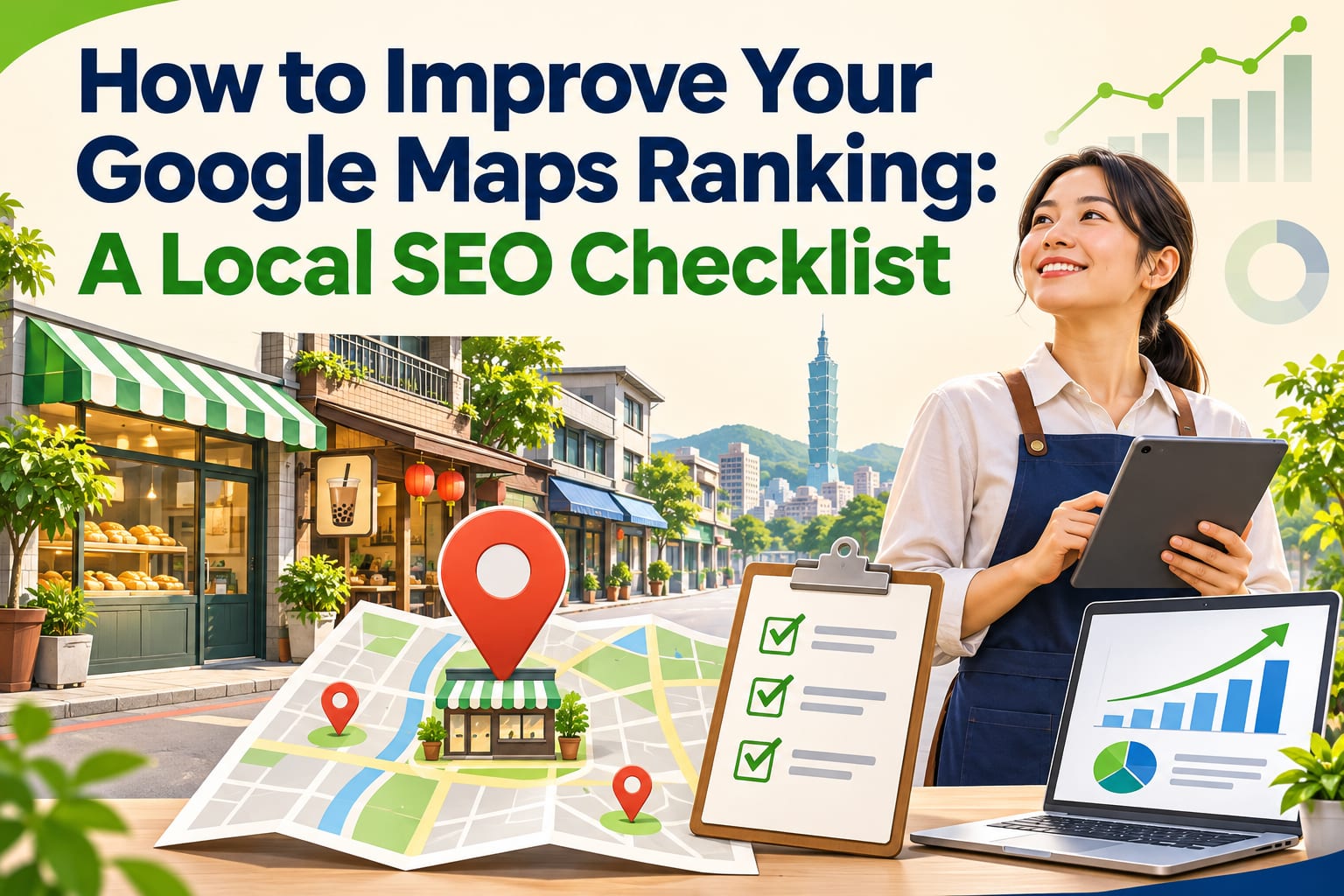
To improve your Google Maps ranking, start by filling out your Google Business Profile correctly, keeping your services, address, business hours, and website information consistent, and consistently gathering genuine reviews. Rankings are affected by factors such as search relevance, distance, and business prominence. No setting can guarantee the top spot. This article walks you through each item to check, so you can first fix problems that could cost you customers, then track whether the changes bring in inquiries.
What Should You Focus on First for Google Maps Rankings?
Local SEO helps nearby people who need your services find you more easily in search and on Maps. Start by understanding three things:
- Relevance: Whether your business categories and information match the services someone is searching for.
- Distance: How close your business is to the searcher or a specified location. Copywriting cannot eliminate this factor.
- Prominence: Reviews and business information across the web are signals that require ongoing attention.
A practical order of priorities is to correct inaccurate information first, add service details next, and then work on reviews and your website. Do not start by checking your ranking every day.
How Do You Complete a Local SEO Check? Follow These 6 Steps
The interface names below may change. Refer to the latest official guidance for features, eligibility, and procedures.
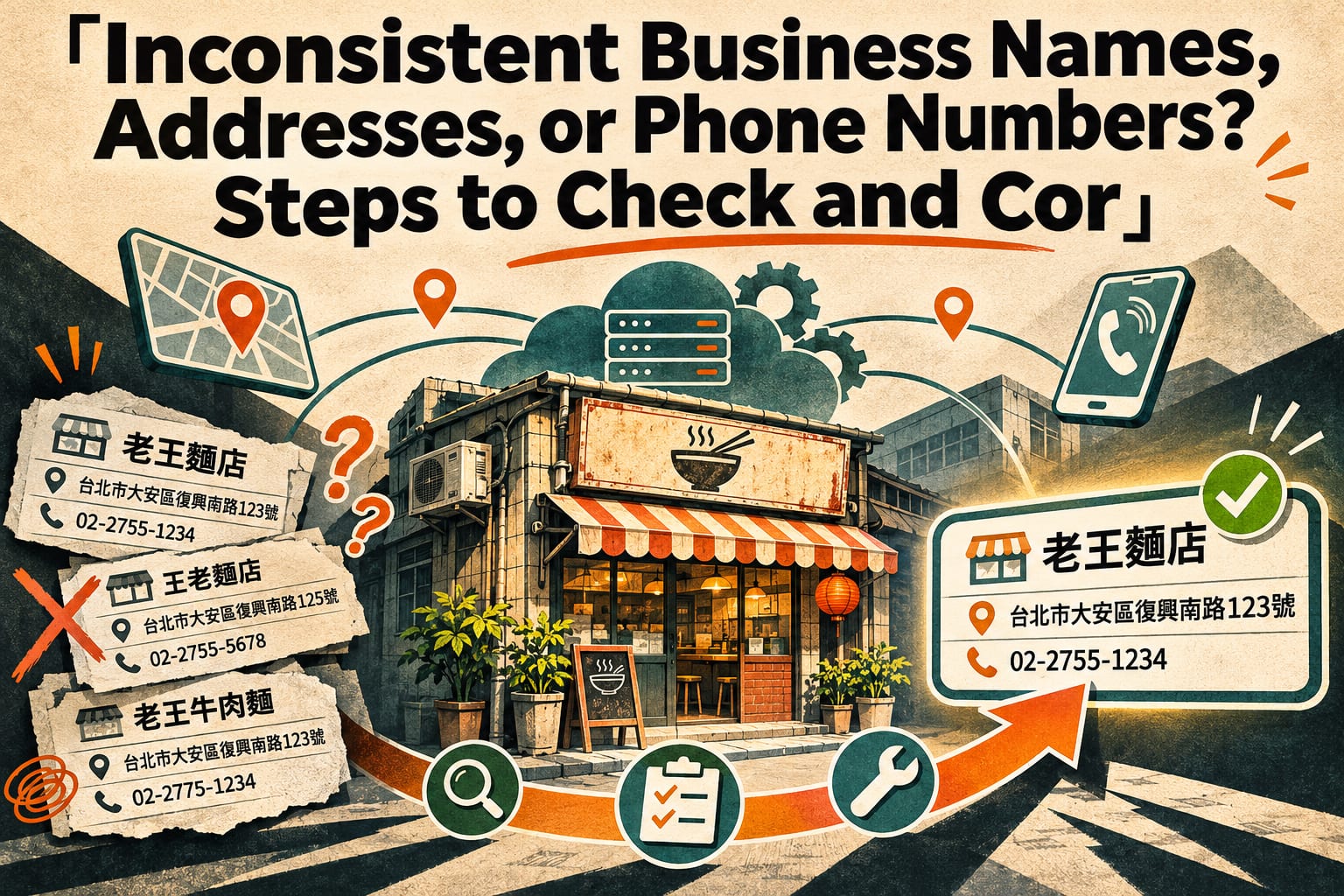
Confirm Management Access and Business Eligibility Using the Google account that manages your business, find your Business Profile in Google Search or Maps, confirm that you can edit its information, and follow the on-screen instructions to complete verification. Afterward, check the name, phone number, and location on the public profile. If you find duplicate profiles, determine how to handle them before creating any more. Online-only services may not be eligible; do not invent an address to gain visibility.
Choose the Right Primary Category and Use Only Your Actual Business Name Check the categories under “Edit profile” in your Business Profile. Choose the category that best represents your core business as the primary category, then add other categories based on your actual business activities. The name should match your signage and the name you use publicly. After saving, review the public information again to make sure it does not contain added locations, promotions, or phrases such as “No. 1 recommended.”
Correct Your Address, Phone Number, and Business Hours Check your street address, floor, map pin, and phone number in your business information, and set your regular and special hours. Businesses that visit customers should configure their service areas and address visibility according to their eligibility. Expanding a service area cannot guarantee wider ranking coverage. Afterward, use a phone to check the directions entry point, calling function, and current business hours status.
Add the Service Information Customers Actually Ask About In the applicable service, product, or description fields, clearly explain what you offer, whom you serve, how to book, and any applicable pricing information. Then upload genuine photos of your storefront, premises, and work. After publishing, check the mobile display to make sure customers can quickly determine “Do they offer the service I need, and how do I contact them?” Available features may differ by category.
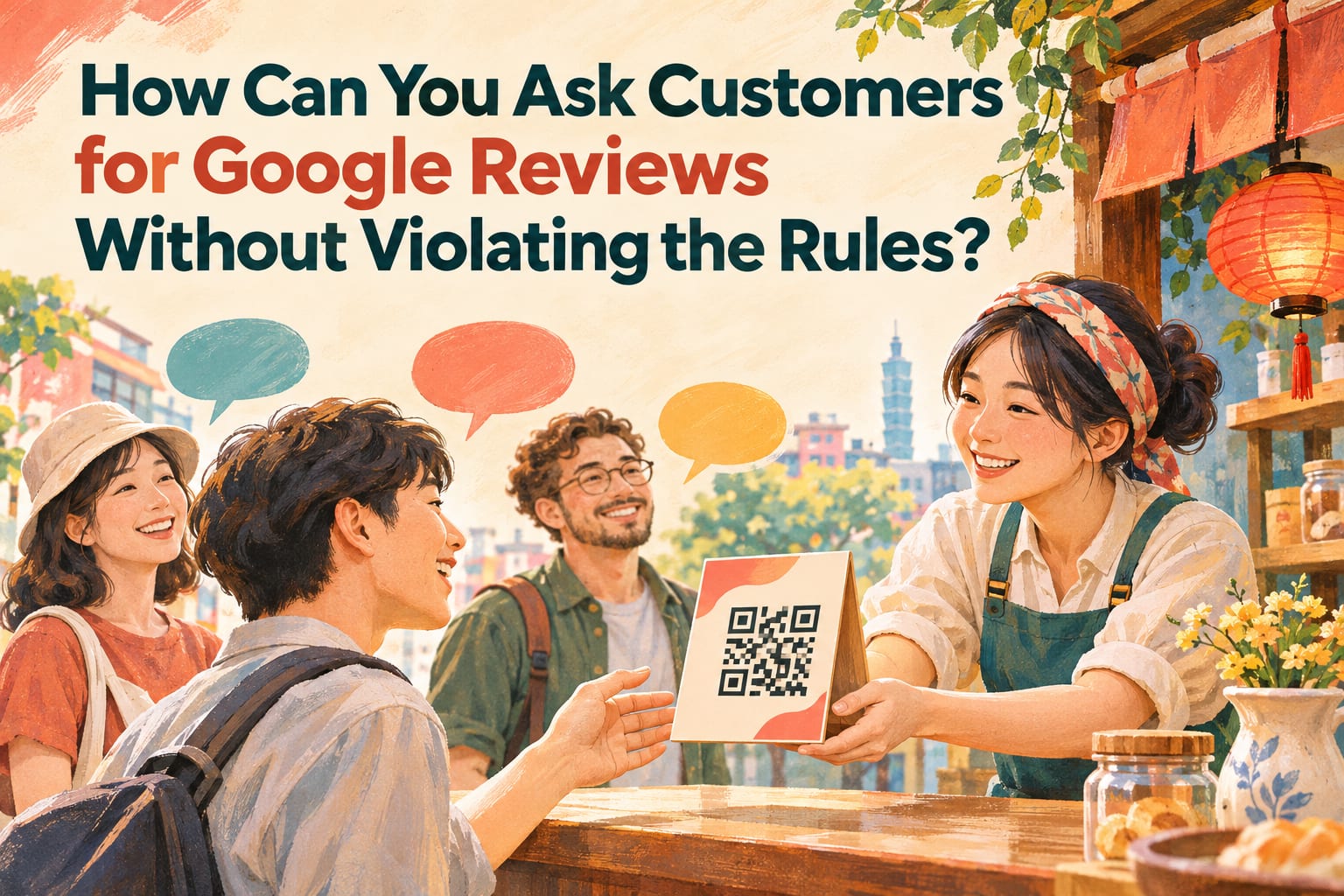
Make Invitations for Genuine Reviews Part of Your Service Process Get your review link from your Business Profile. After completing a service, use your existing communication channels to invite customers to share their actual experiences. Do not offer discounts in exchange for reviews or invite only satisfied customers. Check for new reviews and respond every week. Make sure your replies do not disclose customers’ personal information or ask them to change their reviews to a specific star rating.
Keep Website Information Consistent and Track Results On your website’s contact and service pages, check your business name, address, phone number, and hours, and add your actual service areas, service details, and booking links. Use the performance reports available in your Business Profile to record metrics such as calls, website clicks, and direction requests, then interpret them alongside your actual inquiry and sales records. Save a baseline before making changes, then compare results regularly to avoid focusing only on daily fluctuations.
How Should You Write Your Business Information? See This Example
The following is a fictional example of how to fill out the information; it does not represent ranking results. Suppose “Muhe Hair Salon” offers haircuts and hair coloring in Taichung’s West District.
**Name to avoid:**Taichung West District No. 1 Recommended Haircuts Muhe Hair Salon Cheap Hair Coloring.
**Suggested name:**Muhe Hair Salon. For the primary category, choose the available option that best matches the actual business.
You can use this business description as a reference:
Muhe Hair Salon is located in Taichung’s West District and offers haircuts, hair coloring, and scalp care. Appointments are required. Please let us know which services you would like when booking; hair coloring prices are confirmed based on hair length and the services provided.
This text clearly explains the location, services, and how to do business with the salon. Replace it with your own accurate information. There is no need to repeatedly stuff in “recommended haircuts in Taichung.”
You can also use this review invitation directly:
Thank you for visiting today. If you have a moment, we welcome you to share your actual experience on Google to help other customers learn about our services. Please also feel free to share any suggestions with us.
What Common Mistakes Can Make Your Efforts Go to Waste?
- Buying reviews, generating fake five-star reviews, or offering gifts in exchange for reviews: These practices may violate platform policies and deprive you of genuine feedback.
- Adding every service area because you think you can rank near the top in each one: Service area settings do not define where you will rank.
- Creating large numbers of location pages with identical content: Pages that differ only in place names and lack service details offer limited help to readers.
- Publishing unrelated content just to post an update: Photos and posts should help customers make decisions. Posting frequency should not be treated as a ranking guarantee.
- Checking results only by searching for your own business name: Being found by your business name does not mean people can find you when searching for your services. The results you see also do not represent what every customer sees.
Frequently Asked Questions
Can I Appear on Google Maps Without a Website?
Yes. Eligible businesses can create a Business Profile without having a website. A website can provide more complete service details, examples of your work, and booking information. If resources are limited, focus on getting your Business Profile right first.
How Long Will It Take to See a Ranking Improvement?
There is no fixed number of days, and improvement cannot be guaranteed. Information reviews, competition, and searcher location all affect results. Record changes in inquiries and interactions regularly, and avoid repeatedly changing categories just because nothing has changed for a few days.
Do More Reviews Always Mean a Higher Ranking?
Not necessarily. Reviews are just one factor affecting local visibility. Consistently providing good service, inviting genuine feedback, and resolving problems offer more business value than pursuing review counts alone.
Can Paying for Ads Improve Organic Rankings?
Buying Google Ads does not directly improve organic local rankings. If you also run ads, track inquiries from ads separately from organic traffic so you can assess the respective effects of your budget and optimization efforts.