Should You Block GPTBot in robots.txt? A Guide to AI Crawler Settings
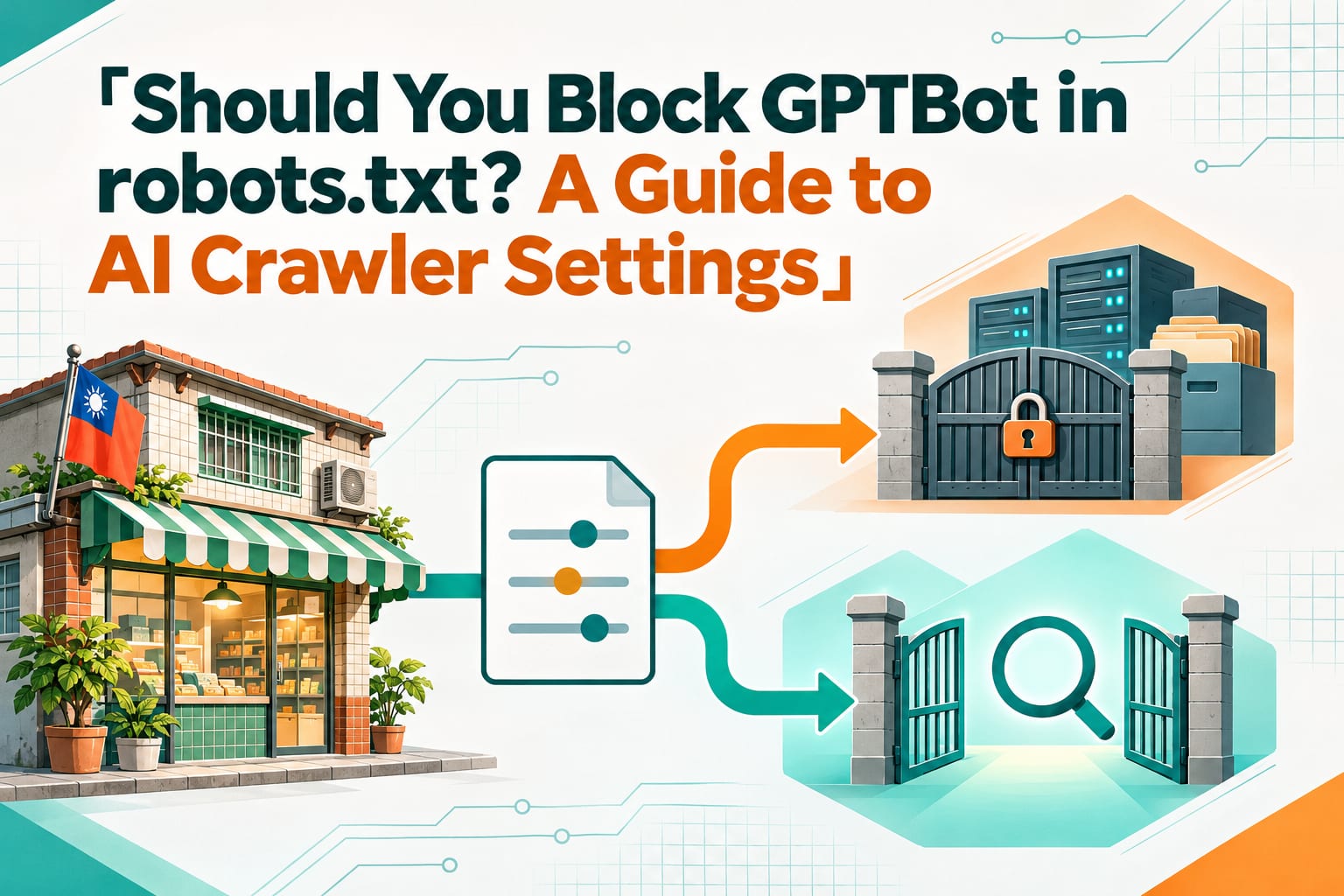
Whether you should block GPTBot in robots.txt depends on whether you are willing to let your website content be used for AI model training. If you don’t want to provide training material, you can block GPTBot. If you still want customers to find you through AI search, configure crawlers used for search separately. This article walks you through choosing a strategy, editing the file, and checking whether the settings are working.
Will Blocking GPTBot Prevent ChatGPT from Finding Me?
The two are not necessarily equivalent. Crawlers from the same company may handle model training, search indexing, and webpage access requested by users separately.
According to OpenAI’s publicly stated purposes, GPTBot is associated with collecting content that may be used for model training, while OAI-SearchBot is used for search. ChatGPT-User handles user-triggered webpage access and should not be treated as another background search crawler. Refer to the latest official documentation for names, purposes, and how these agents follow rules.
For local businesses, “not wanting to provide training material” and “wanting service information to be discoverable” can be two independent decisions. Don’t block everything just because you see the letters AI, then expect it to bring you customers.
Which Settings Should My Website Use?
Start by asking yourself: Which content is worth making public, and which content needs protection?
- You want to be found but don’t want to provide material for model training: You can block GPTBot while allowing search crawlers to access public pages.
- You are willing to let public content be collected: You can choose not to block it specifically, but allowing access does not guarantee indexing, citations, or recommendations.
- You have customer data, paid course materials, or internal documents: Use login requirements and access controls; don’t rely solely on robots.txt.
robots.txt is more like a notice at the entrance than a lock on the door. Crawlers willing to follow the rules will consult it, but programs that ignore the rules may still read public pages.
How Do You “Block Training While Keeping AI Search”?
The following uses OpenAI’s crawlers as an example; it does not cover all AI platforms at once.
- Check the current file first. Enter your website’s homepage URL in your browser’s address bar, then add
/robots.txtafter the domain. Check whether plain-text rules appear. If you see a page-not-found message, make a note of it instead of immediately overwriting other settings. - Find where to edit your website’s settings. Look for SEO, crawler, or robots.txt settings in your website’s admin panel. If you host the site yourself, ask your maintenance team to handle the file in the website’s root directory. The location varies by platform, so refer to the latest official documentation. Copy the original contents as a backup before making changes.
- Add the rules below. Keep existing rules that are still needed, and check whether GPTBot or OAI-SearchBot groups already exist to avoid adding duplicate, conflicting entries. After saving or publishing, confirm that the admin panel reports success.
- Reopen the file to check it. View the public
/robots.txtagain and confirm that the new rules appear and that it has not turned into a regular webpage or login screen. If the old content still appears, check your website and CDN caches. - Confirm that pages are actually accessible. Ask your website maintenance team to review server or CDN access logs and confirm that search crawlers are not being blocked by a firewall. Names in the logs can be spoofed, so verify the source using the official method when necessary. Don’t assume a crawler is legitimate based on its name alone.
Here is a basic configuration you can use:
User-agent: GPTBot
Disallow: /

User-agent: OAI-SearchBot
Allow: /
The first group tells GPTBot not to crawl the entire site; the second allows OAI-SearchBot access. This example does not address crawlers from other companies, nor does it remove login requirements, firewall restrictions, or indexing restrictions on individual pages.
If you use a hosted website platform and cannot find an editing option, give customer support or your maintenance team this request: “Please block GPTBot, allow OAI-SearchBot to access public pages, and check for conflicts with existing rules.” Once the work is complete, ask them to provide the location of the public file and the results of their checks.
Can You Block Other AI Crawlers the Same Way?
You can apply the same decision-making principles, but you cannot use the names interchangeably. Each platform divides training, search, and user-requested access differently. Some names are even identifiers for controlling usage, rather than separate crawlers.
For example, Google-Extended is a control token for managing specific AI uses; it should not be treated as a master switch for Google Search. If you want to maintain visibility in regular search, don’t block Googlebot along the way. Refer to the latest official documentation for the services actually covered.
Ask your maintenance team to organize four fields—“platform, identifier, purpose, allow or block”—and configure each entry individually. Copying an entire blocklist from the internet is quick, but if the list is outdated or you misunderstand its purposes, troubleshooting later will take more time.
What Are Some Common Mistakes?
- Using
User-agent: *withDisallow: /to block the entire site. This may affect other search crawlers that follow the rules. If you only want to block a specific use, specify the corresponding name. - Listing confidential paths in the file as a protective measure. robots.txt itself is publicly readable, so listing paths may expose their locations instead. Restrict access to sensitive content.
- Assuming changes can retract old data. New rules cannot guarantee deletion of content already collected, nor do they make existing models forget data.
- Assuming Allow guarantees visibility. It only expresses permission to crawl. The platform still decides whether content is indexed, when it is updated, and whether it appears in answers.
Frequently Asked Questions
Can I Make Changes If I Know Nothing About Coding?
Yes, provided your website platform offers a settings interface. If it does not, give the requirements and example above to your maintenance team and ask them to confirm that the public file has been updated. You do not need to operate the server yourself.
How Long Does It Take for the Settings to Take Effect?
You need to wait for crawlers to read the rules again; there is no fixed timeframe that applies to every platform. You can first confirm that the public file has been updated, then ask your maintenance team to monitor subsequent access logs.
Will Blocking GPTBot Affect My Google Search Rankings?
Rules targeting only GPTBot do not block Googlebot. However, mistakes made to general rules or firewall settings at the same time could still affect Google’s crawling, so check those as well.
What Else Should I Do After Allowing AI Search?
Start by presenting your services, business hours, service areas, and contact details in clear text that both visitors and crawlers can understand. Also confirm that important pages open properly. Allowing crawling is only a basic requirement; it does not guarantee recommendations.