How to Write an Instagram Business Account Bio: Steps and Examples
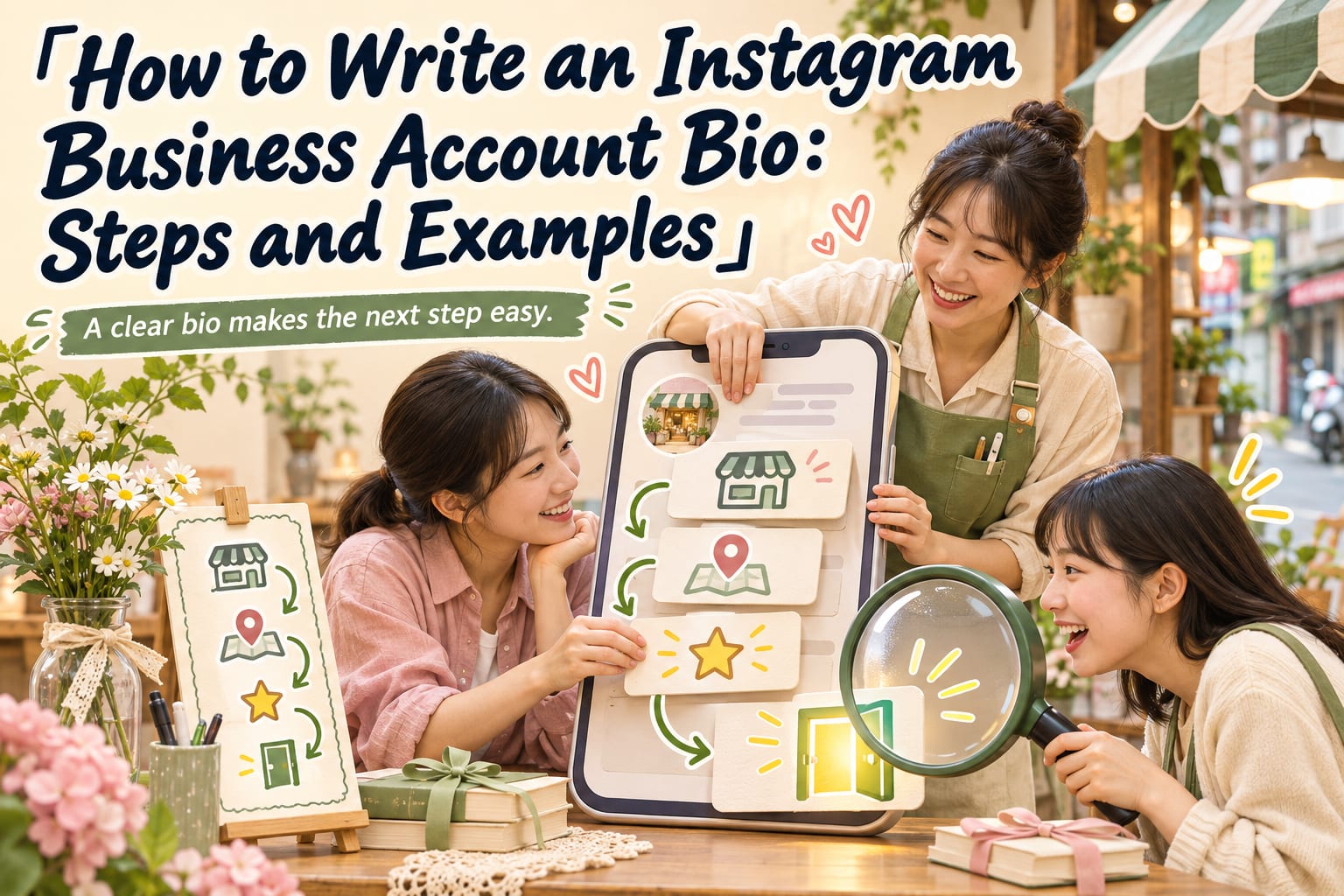
For an Instagram business account bio, write out “who you help, what you offer, your service area or distinguishing feature, and how to get in touch next,” in that order. First, help new visitors understand what problem you can solve, then add verifiable professional information, and finish with a single, clear call to action. This article will walk you through organizing your content, adding it to your profile, and using examples to check which sentences are worth keeping.
What Should a Business Account Bio Include?
Think of your bio as a greeting at your storefront: customers do not know you yet, so they first need to know whether this is the right place for them. Prioritize these four elements:
- Target audience and services: For example, “Resume reviews for career changers” is more specific than “Helping you become a better version of yourself.”
- Location or service format: For example, “East District, Tainan | In-store pickup” or “Online consultations throughout Taiwan.”
- Verifiable distinguishing features: For example, “One-on-one discussions” or “Egg- and dairy-free options available.” Certifications, years of experience, and professional backgrounds must all be verifiable.
- Next step: For example, “Tap the link below to book” or “DM ‘menu’ for a list of items.”
You do not need to fill every field. Start by keeping information that affects customers’ decisions and how they contact you. Your brand story can go in posts or Story Highlights.
How Do You Write It Step by Step and Add It to Your Account?
Start by writing a one-sentence service description in a notes app. Fill in “I help __ by providing __,” for example, “I help people preparing for a career change by providing resume reviews and interview practice.” Once you have written it, ask a colleague to read only that sentence and check whether they can identify your services and target audience. If you still need to explain it verbally, make it more specific.
Add your location and one distinguishing feature to the draft. For a physical store, include the district or a nearby landmark. For online services, clearly describe how the service is delivered. Choose just one feature that customers care about and that you can actually deliver. Check that the information is current and contains no claims that are difficult to prove, such as “the most professional” or “guaranteed success.”
Choose one primary contact action. On the last line of your draft, clearly state “what to do and where to do it,” for example, “Tap the link below to book.” If you take orders through DMs, specify the keyword or information customers should send. Confirm that someone on your team actually receives and responds to messages, so customers are not directed to an unattended channel.
Enter the content in your Instagram profile. Go to your profile and find “Edit profile” and the bio field. Paste in your services, location or distinguishing feature, and call to action, in that order. If there are separate fields for your name, links, and contact details, fill them in individually. Refer to the latest official guidance for interface labels, field limits, and features. After saving, return to your profile and check that the line breaks and text are correct.
Complete a contact attempt from a visitor’s perspective. Ask someone who was not involved in writing the bio to open the account and explain “what this business offers, who it is for, and how to make an inquiry.” Then actually click the link or send a test message. The process is only complete once you have confirmed that the link reaches the correct page, the form can be submitted, and someone receives the message.
Which Bio Examples Can You Adapt Directly?
The following are sample approaches and do not represent real businesses or service outcomes. Replace the locations, items, and commitments with your own actual information.
Local dessert shop: Replace atmosphere with purchasing information
Before: “Bringing comfort to life through desserts and delivering happiness to every one of you.”
After:
Handmade desserts in West District, Taichung | Birthday cake preorders Egg- and dairy-free options available; please ask about availability first DM “cake” for available items and pickup information
The warmth is still there, but readers now also know what you sell, where you are, and how to start ordering.
Professional service provider: Replace philosophy with service scope
Before: “Believing in everyone’s unlimited potential and helping you find your direction.”
After:
Helping career changers organize their resumes and interview stories One-on-one online discussions | See the link below for service details Please complete the needs assessment form before booking
This approach helps readers first understand what assistance they can receive, while avoiding presenting career services as a guarantee of getting hired.
General fill-in-the-blank template
[Location / service format] + [Main service] Helping [target audience] address [specific need] [One verifiable distinguishing feature] [Clear action] + [Contact channel]
If the text exceeds the field limit after you paste it in, remove repetitive adjectives first, then secondary services. Keep the main service and contact action.
What Common Mistakes Leave Customers Unsure What to Do Next?
Only stating a philosophy, with no service information. “Making everyday life better” can express your intentions, but it is best to put “In-home organizing services” before it so people know what you actually do.
Listing every service in one long string. Start with the core service you most want people to ask about right now, and put the rest on your service information page or in Story Highlights. Readers need to grasp the main point first before they can explore further.
Asking people to follow, comment, DM, and complete a form all at once. Choose one primary action and make sure the wording matches the destination. If you write “Book now” but link to a homepage with no booking option, customers still have to find their way again.
Replacing information with symbols. Emojis can help separate lines, but do not let the city, service name, or contact details get buried in a string of decorations. Read the finished bio aloud once to confirm that every line has a clear purpose.
Frequently Asked Questions
Do I Have to Use All the Space in My Bio?
No. It is enough for readers to understand and take the next step. If the information does not fit, prioritize your main service, location or service format, and contact instructions. Refer to the latest official guidance for the field’s character limit.
Will More Keywords Make My Account Easier to Find?
Do not repeatedly stack synonyms just to include more keywords. Naturally using the service names and locations customers would use helps readers recognize what your business does, but it cannot guarantee search rankings or exposure through recommendations.
What Should I Put at the End of My Bio If I Do Not Have a Website?
You can ask readers to DM a specific keyword and explain what information they need to provide, such as the date, quantity, or service needs. If you use a booking form, first confirm that it can be opened and submitted on a phone, then add it to the link field provided by the account.
How Often Should I Update My Bio?
Check it immediately whenever you move, adjust your services, change how you take orders, or end a promotion. You can also review your bio and contact channel whenever you check your business information, paying particular attention to any offers that have ended or booking methods that no longer work.